The Product Feed tab is where your catalog comes from. Connect your e-commerce platform, upload a CSV feed, or manage products through the Pricefy API — then use the same tab to sync your catalog, choose which products come in, and review every import.
Open Product Feed settings
Click Settings in the sidebar, then open the Product Feed tab. What you see depends on your account: the platform picker if nothing is connected yet, or your feed’s control center once a source is connected.
Choose your import platform
If no source is connected yet, the tab shows every way to bring your catalog into Pricefy — pick yours:
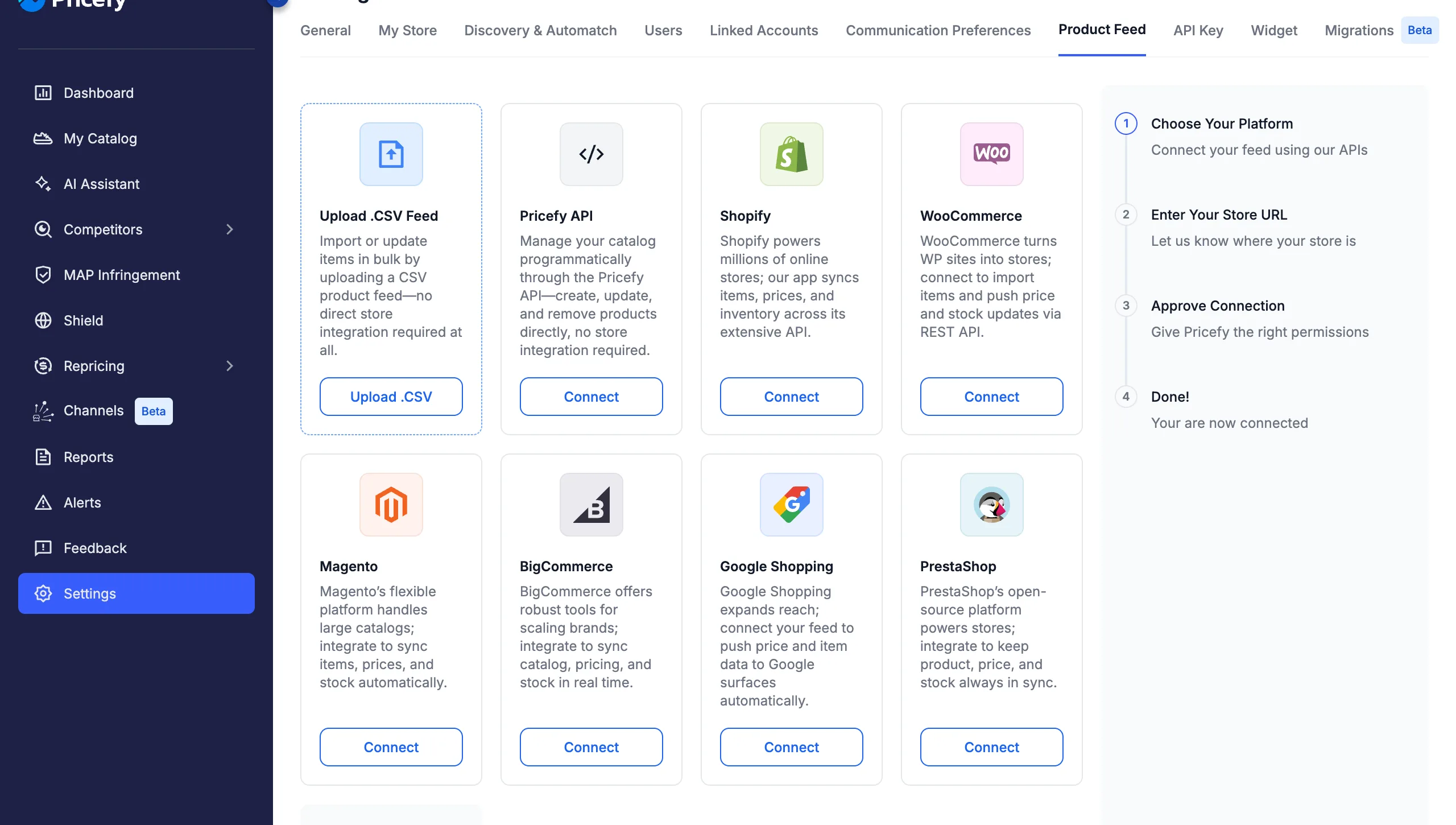
- Upload .CSV Feed — import or update items in bulk with a CSV file, no store integration needed. See How to Upload Your Product Feed.
- Pricefy API — create, update, and remove products programmatically, without connecting a store.
- Shopify, WooCommerce, Magento, BigCommerce, Google Shopping, or PrestaShop — connect your store’s API to import items and keep prices and stock in sync.
Store connections take a few steps: choose the platform, enter your store URL, and approve the connection. For platform-specific instructions, see the connection guide for your platform (for example PrestaShop or BigCommerce).
Two things worth knowing before you connect:
- If you added products manually, connecting a store replaces your catalog with the imported feed — Pricefy warns you first. See what happens to your existing data.
- Can’t find your platform in the grid? Use the Contact us card at the end of the list and tell us what you use.
Your feed’s control center
Once a source is connected, the Product Feed tab becomes your catalog’s control center: the connection card on the left, the Imported Products chart on the right, and the Import History below.
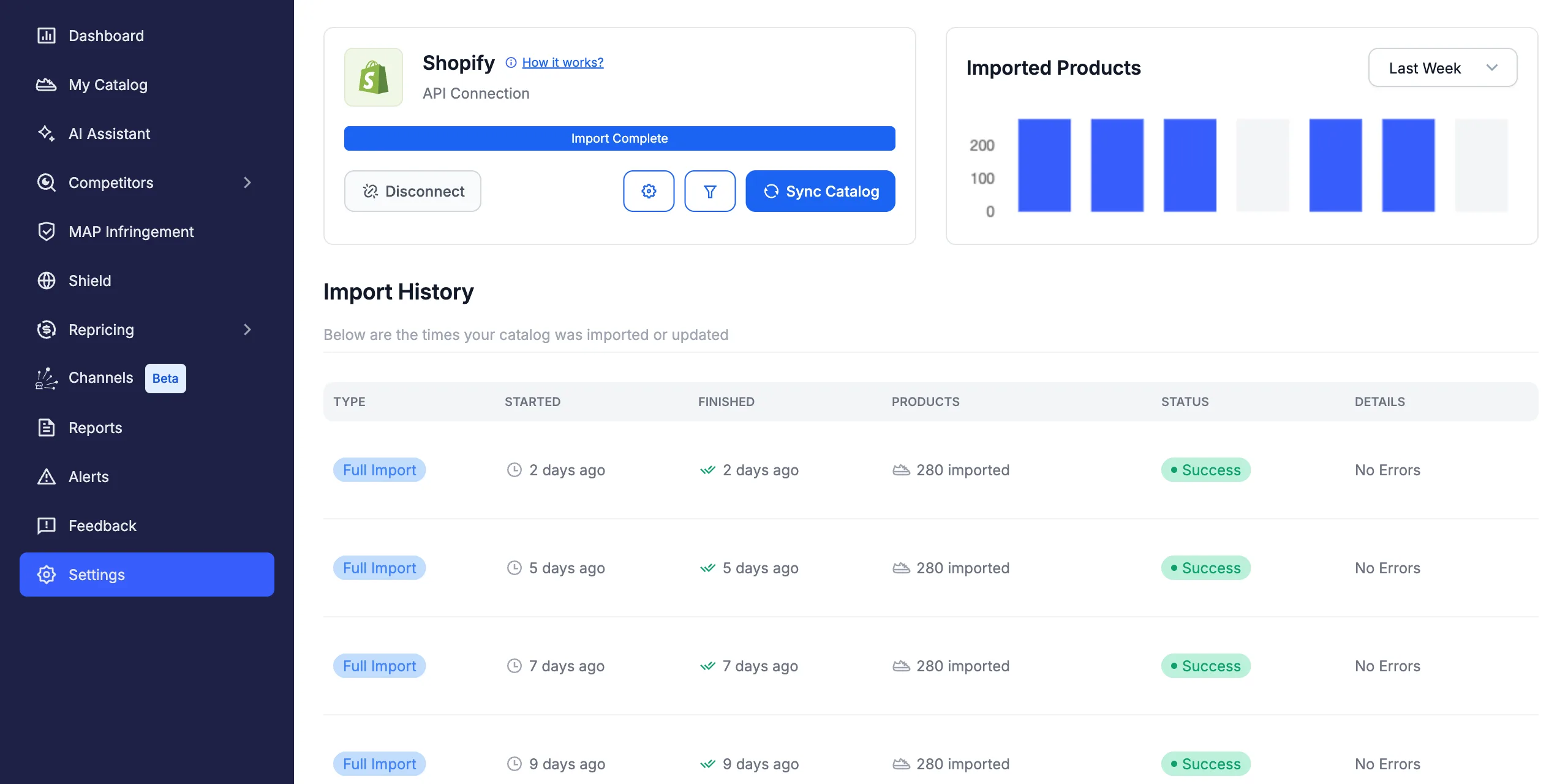
The connection card shows your platform, the connection type, and the status of the latest import (Import Complete, Importing…, Import Failed, or Import Canceled), plus everything you can do with the feed:
- Sync Catalog — launch a new import on demand.
- Settings (gear icon) — adjust how products are imported.
- Filters (funnel icon) — control which products are imported.
- Update Catalog — CSV feeds only: upload a new file to update your products. See how to update your CSV catalog.
- Disconnect — remove the connection.
Connected stores and remote feeds are also re-imported automatically every day, so your catalog stays aligned without manual syncs.
Sync your catalog on demand
Click Sync Catalog and confirm with Launch Import: Pricefy downloads your feed again, adds new products, and updates the existing ones.
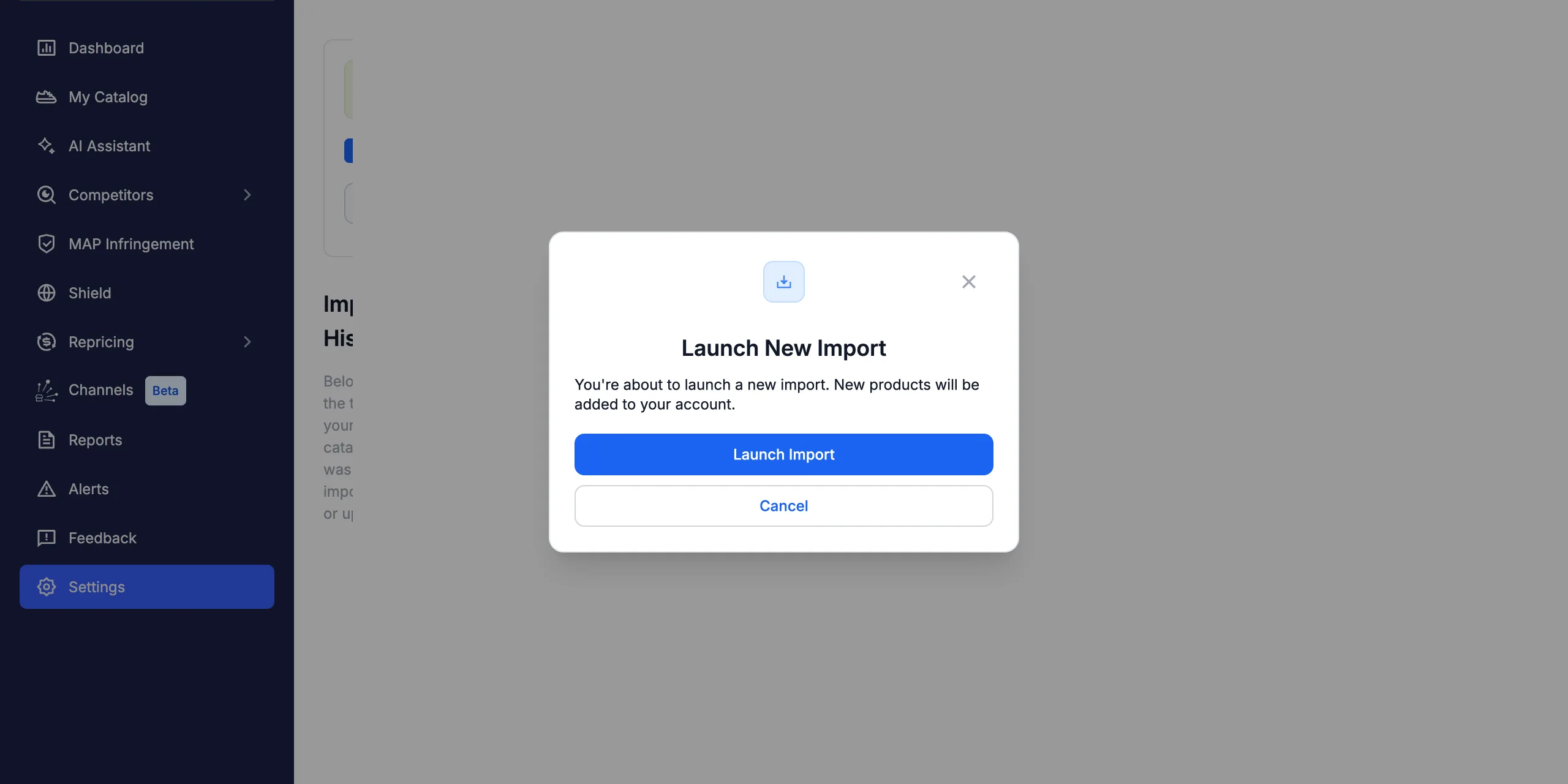
While the import runs, the status bar shows Importing… and the button becomes Cancel Import, in case you need to stop it (the cancellation can take a few minutes).
Fine-tune the import (Settings)
The gear button opens the Settings drawer, where you control how products are imported:
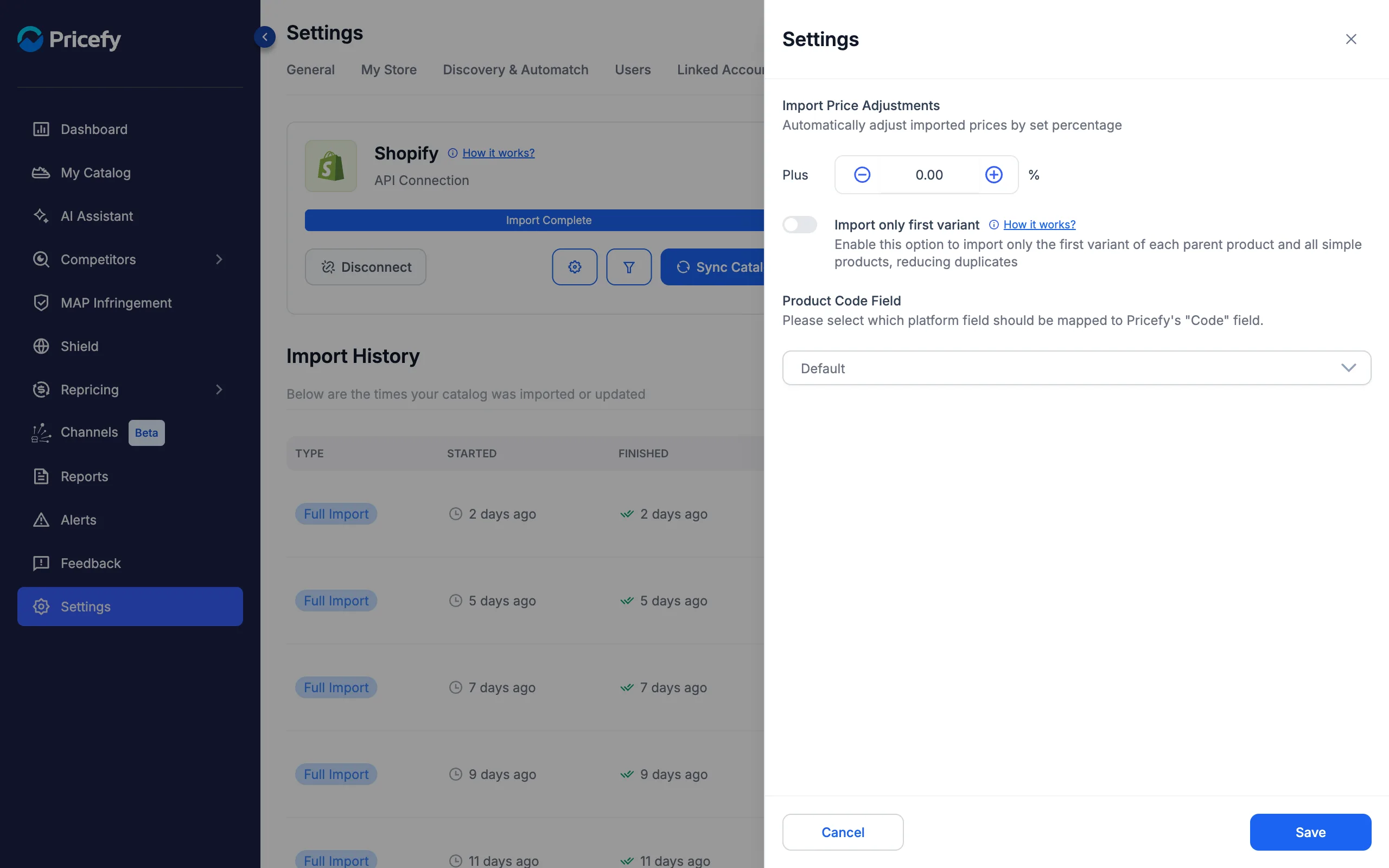
- Import Price Adjustments — raise or lower every imported price by a set percentage. See how to use Price Adjustments.
- Import only first variant — import one variant per parent product to avoid duplicate listings. See Import only first variant.
- Product Code Field — choose which platform field fills Pricefy’s Code field, used for product matching.
The available options depend on your platform — for example, WooCommerce and Magento connections also let you map the GTIN/EAN/UPC, Brand, and Cost attributes (see Import GTIN/EAN and Cost from WooCommerce), and multi-language stores can choose the import language.
Control which products are imported (Filters)
The funnel button opens the Filters drawer. At the top you can switch between two modes: Platform Filters and Products Selection.
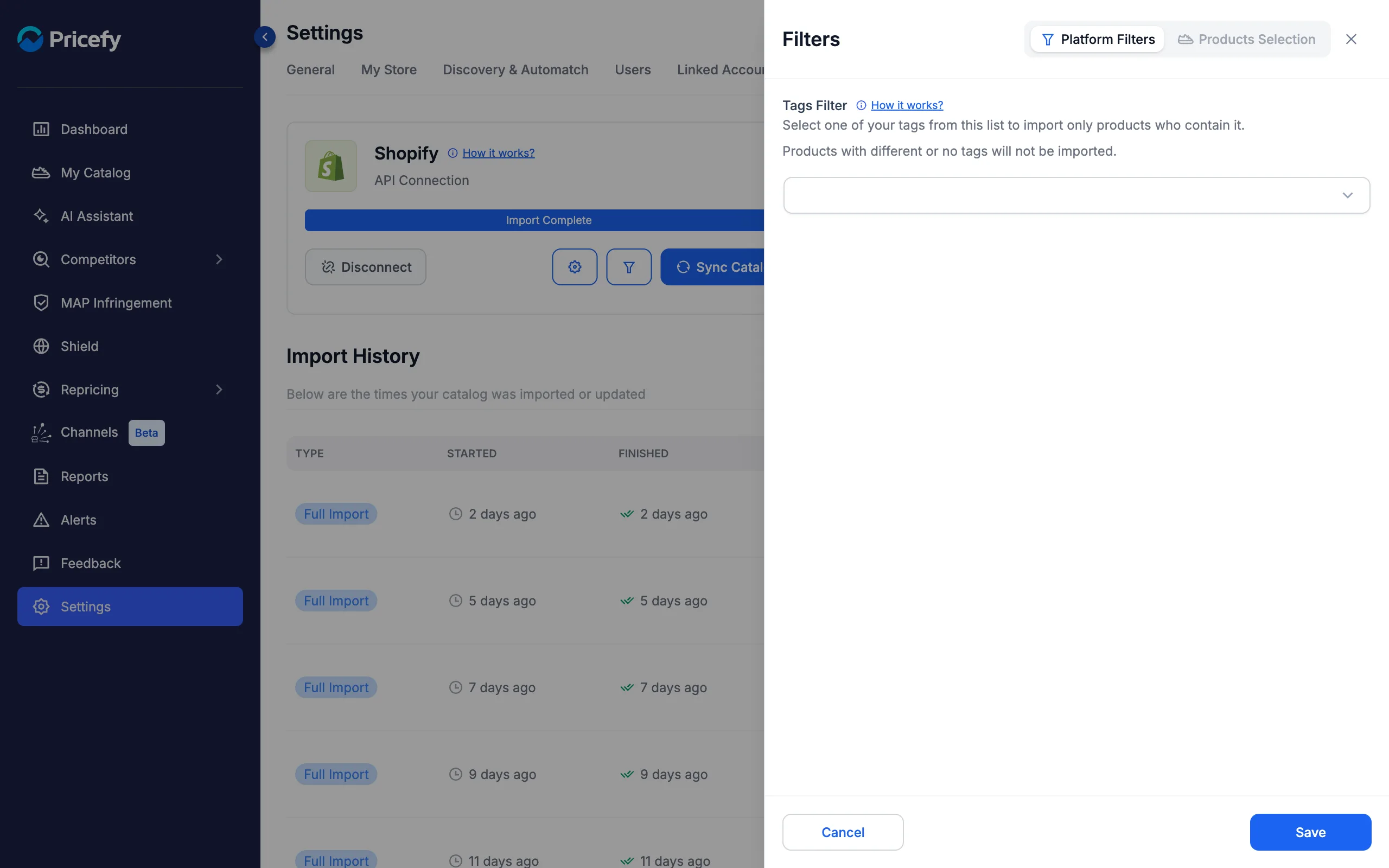
Platform Filters import only the products that match a rule. The filters depend on your platform — attribute, category, brand, tags, or price range, each with an include/exclude switch where supported. On Shopify, for example, you filter by tags: see How to import only selected products.
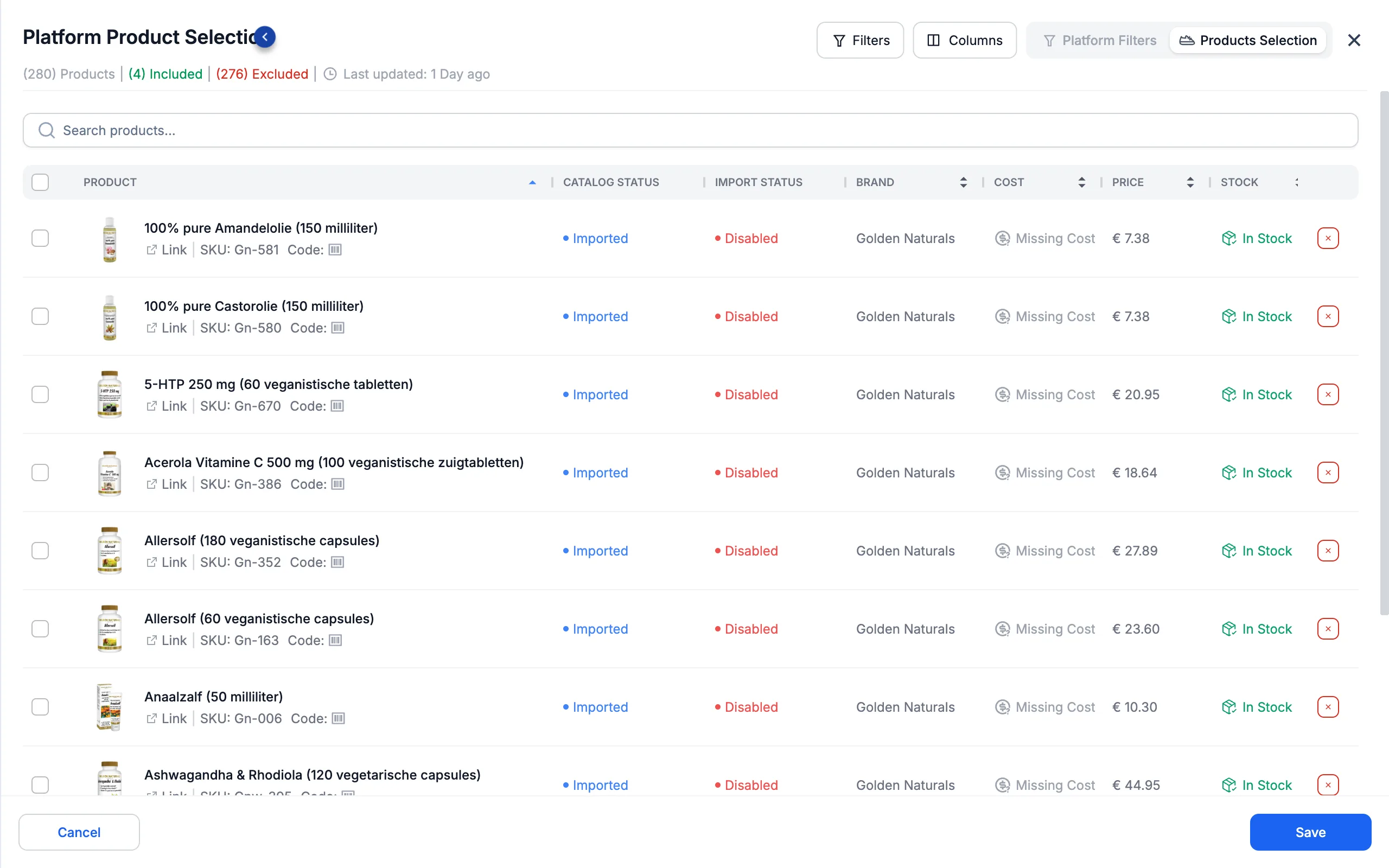
Products Selection lets you handpick products instead: search the full list from your platform, tick the products to include or exclude, and save. The header keeps count of how many products are included and excluded, and when the list was last updated.
Review the Import History
The table at the bottom of the tab lists every import and update of your catalog:
- Type — Full Import (a complete sync) or Update Products (a CSV update).
- Started / Finished — when the run began and ended.
- Products — how many products were imported (and, when Products Selection is on, how many were selected).
- Status — Success, Importing…, Cancelled, Failed, or Limit reached if the import hit your plan’s product limit.
- Details — the number of import errors. Click it to open the Import Error History, which lists each product that failed to import and why.
Disconnect your source
Click Disconnect and confirm in the Disconnect Source dialog to remove the connection and return to the platform picker.
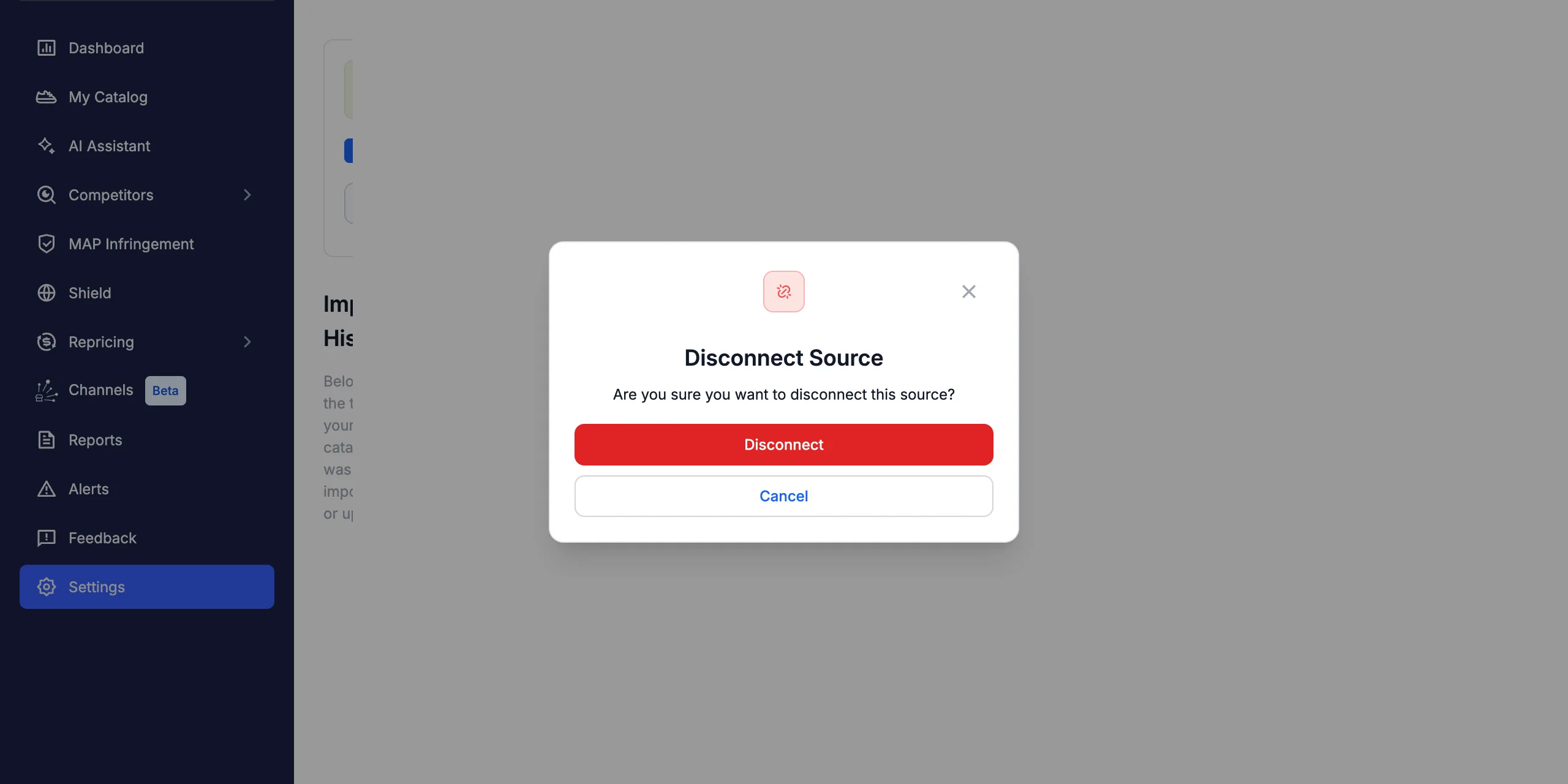
If your Pricefy subscription is billed through your platform’s app store (for example Shopify), terminate it from the Billing page first — Pricefy blocks the disconnect until then, so the subscription never stays active with no way to manage it.
Good to know
- If automatic imports keep failing, Pricefy pauses them after repeated failed attempts and shows a warning on this tab — your store stays connected, and you can resume imports with one click.
- A CSV catalog is not re-imported automatically — update it anytime with Update Catalog. See how to update your CSV catalog.
- The Pricefy API feed has no sync or filters: you manage the catalog entirely through the API, so the tab only offers Disconnect.
- If a store connection fails during setup, your site’s firewall may be blocking Pricefy — see the fixes for Cloudflare and AWS WAF.