Prefer to watch? This short video walks you through everything in this guide.
Competitor tags help you quickly spot and filter the competitors that matter most. Pricefy offers one built-in tag — Favorite ⭐.
Mark a competitor as Favorite
- Go to Competitors → Overview.
- Find the competitor you want to tag and open its Actions menu (the ⋯ icon).
- Click Add Favorite Tag. To undo it later, open the menu again and choose Remove Favorite Tag.
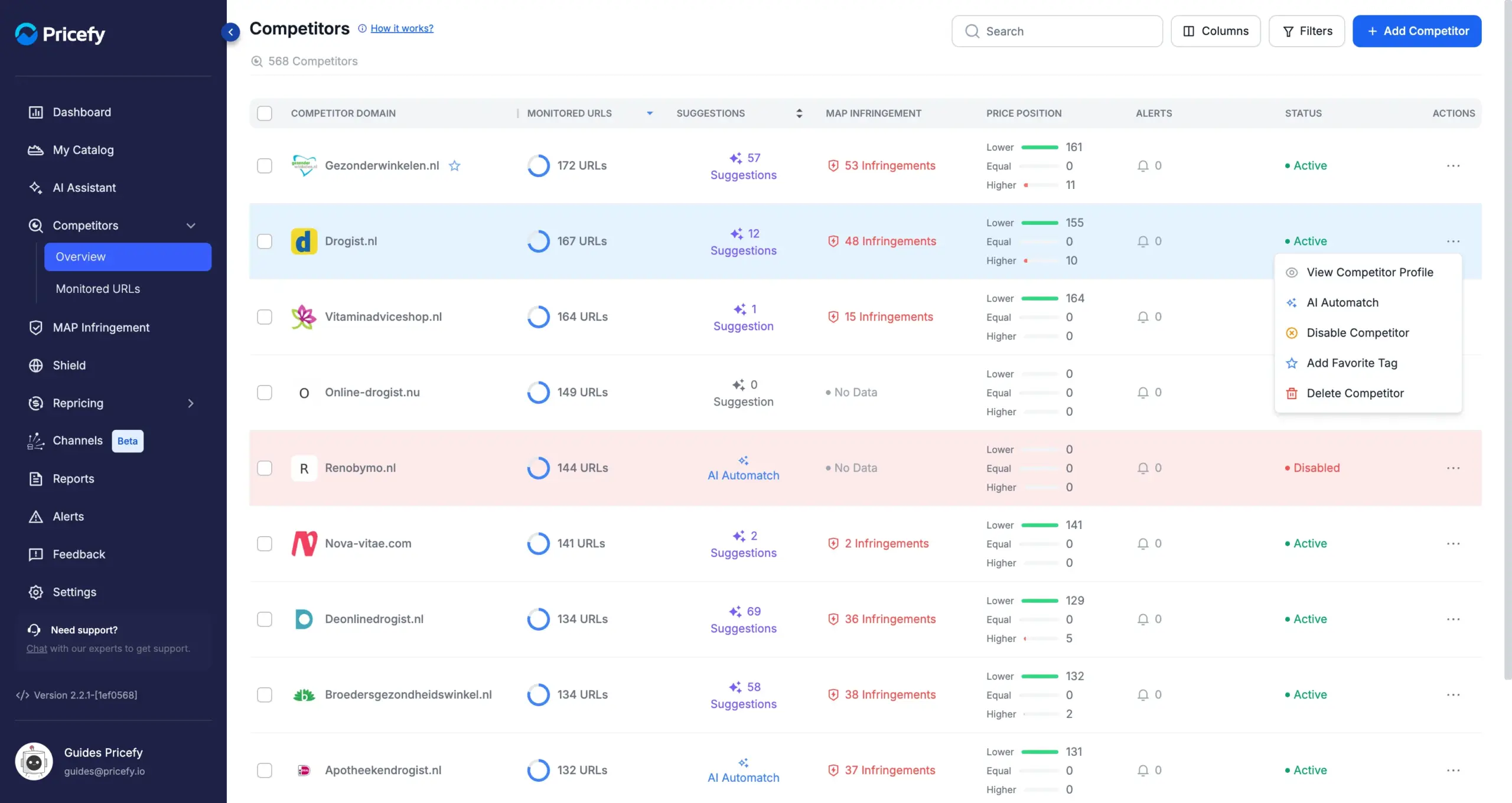
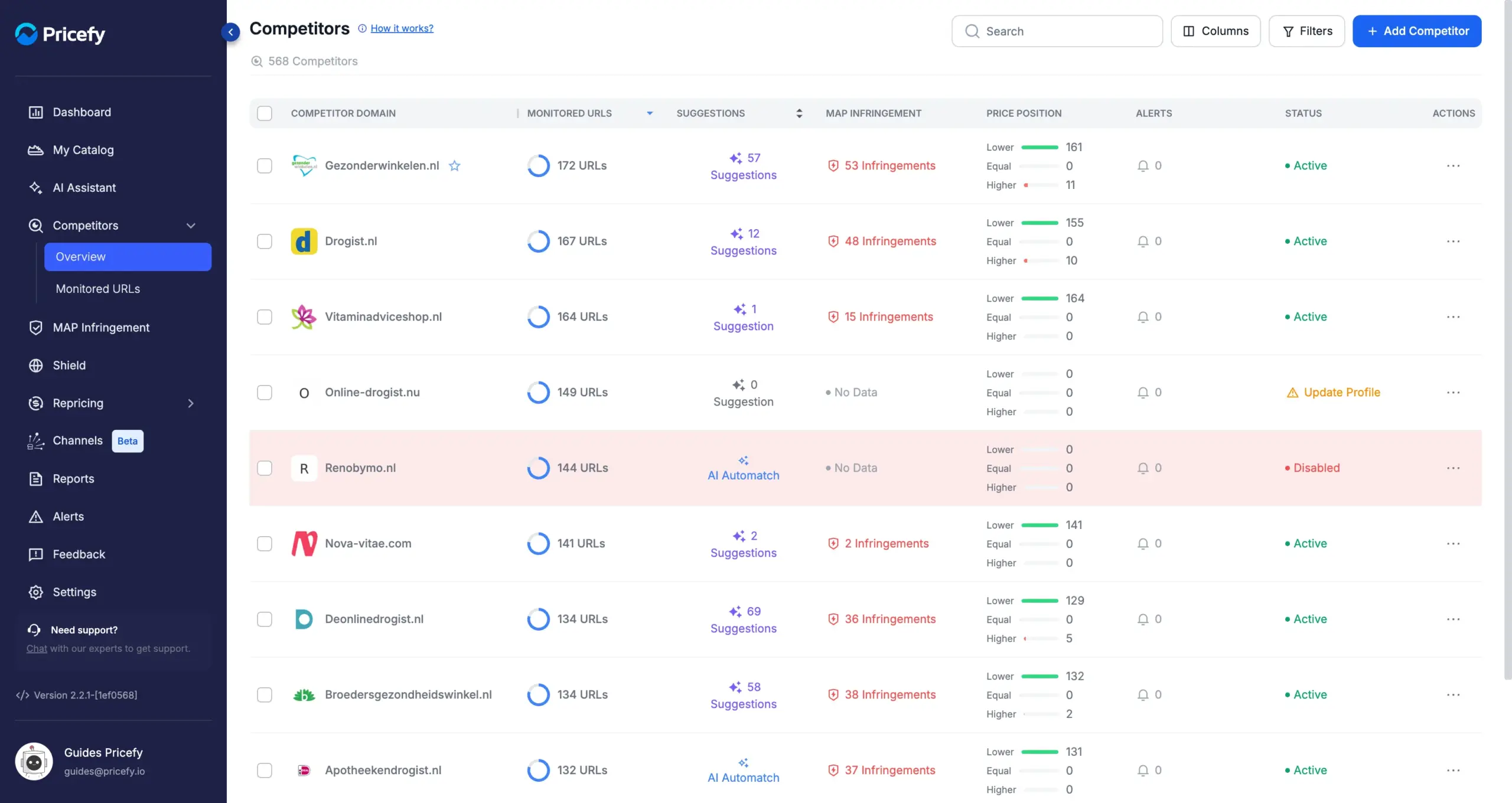
Once tagged, a blue star appears next to the competitor’s domain, and your favorites are shown at the top of the Competitors list by default — your most important competitors are always the first ones you see.
Filter competitors by tag
You can also narrow the whole list down to just your favorites:
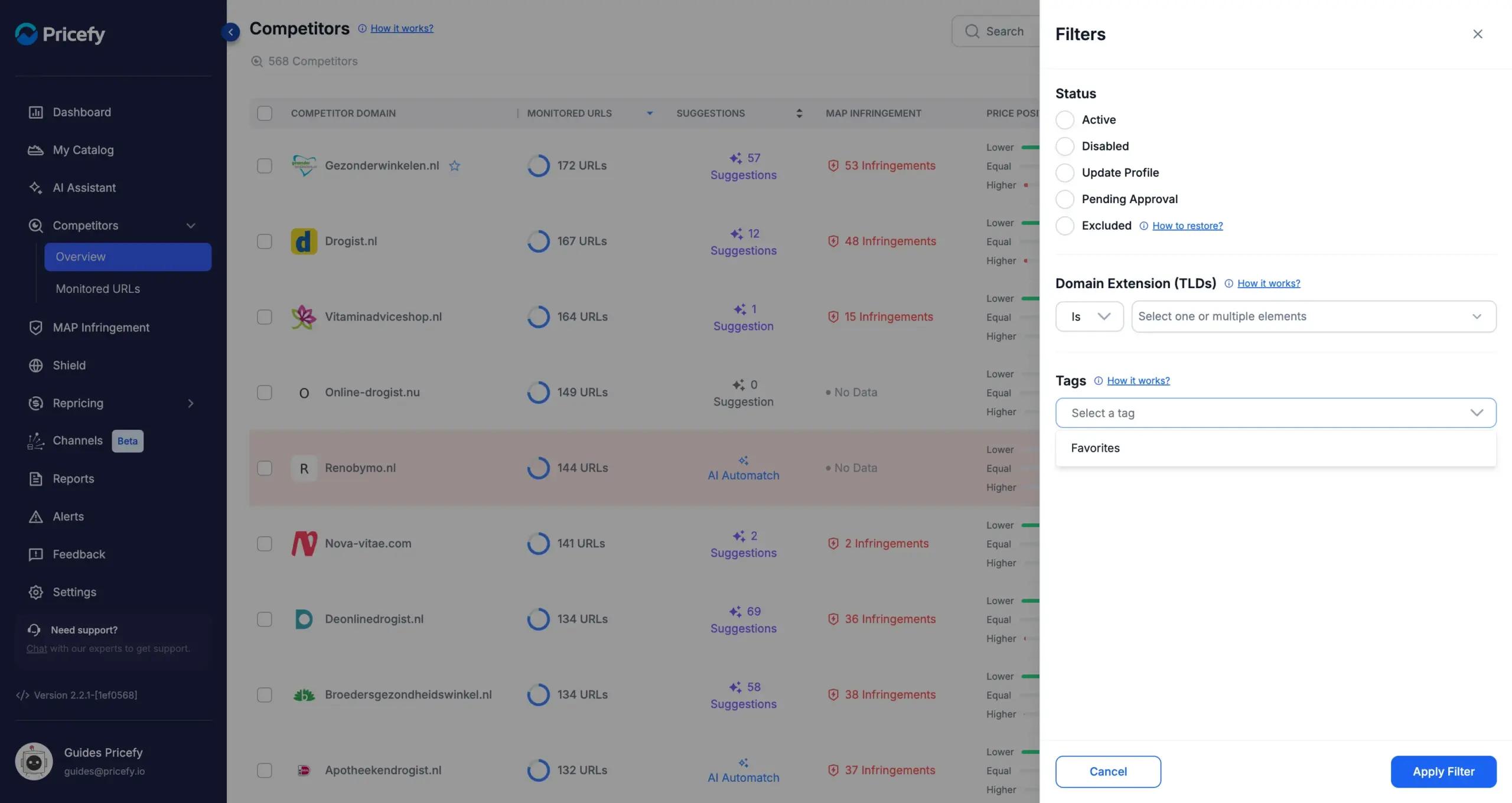
- On the Competitors page, click Filters (top right).
- In the Tags section, open the Select a tag dropdown and choose Favorites.
- Click Apply Filter.
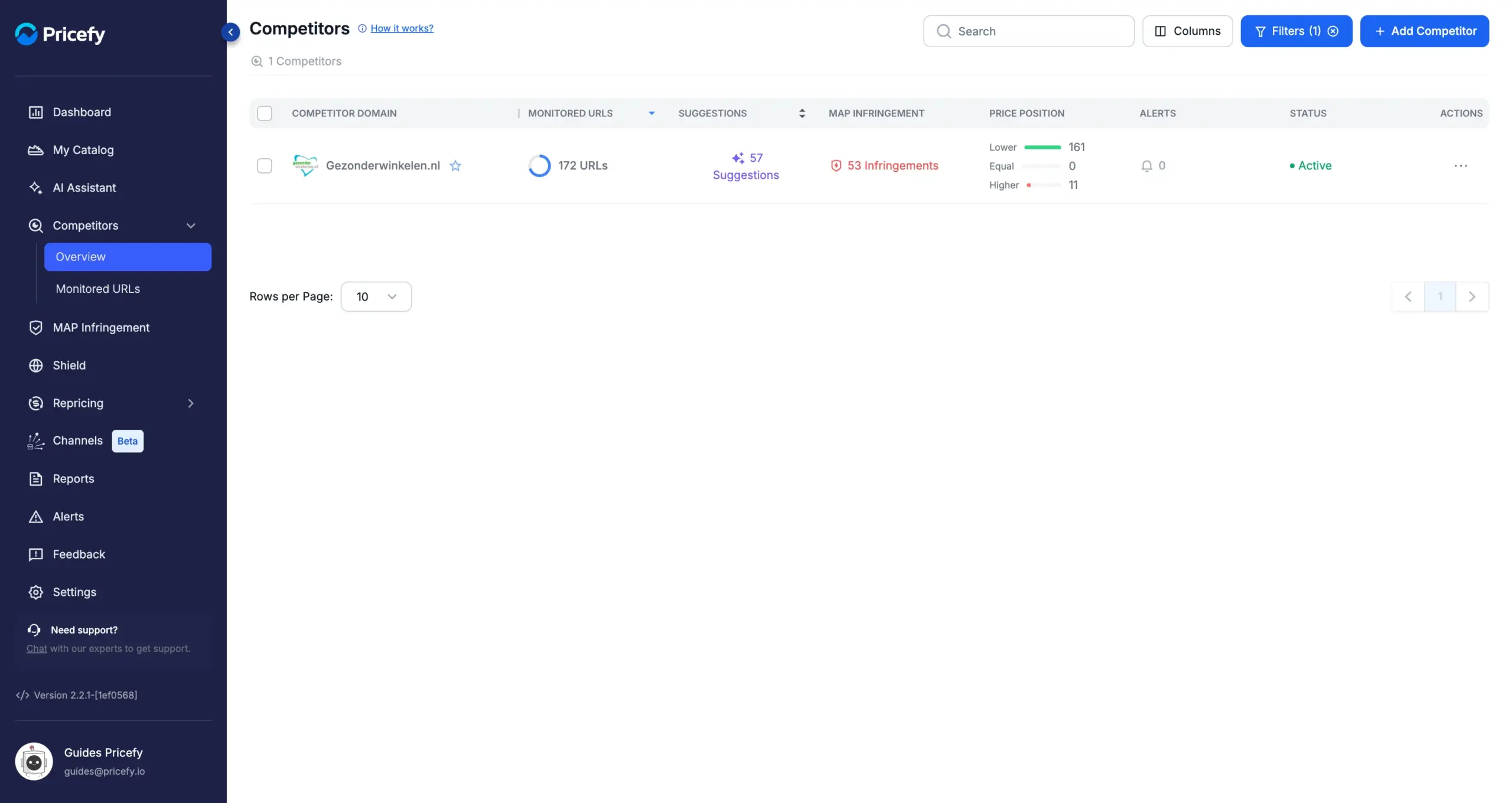
The list now shows only the competitors you tagged, and the Filters button displays the number of active filters. To go back to the full list, click the clear icon on the Filters button, or open the panel again and choose Reset Filters.
Competitor tags and AI Discovery
When AI Discovery finds new competitors for you, it automatically tags them as Favorites — so after a discovery run, the Favorites filter is the fastest way to review the competitors it just added.
Looking to add or find competitors first? See how to add a new competitor or the Competitors Overview.