The Competitor Profile gathers everything Pricefy knows about one competitor — and the settings that control how it is tracked — in a single page with six tabs: General Options, Browsing Options, Price Adjuster, Stock Mapping, Tech Stack and Contact Info.
Open a competitor profile
- Go to Competitors → Overview.
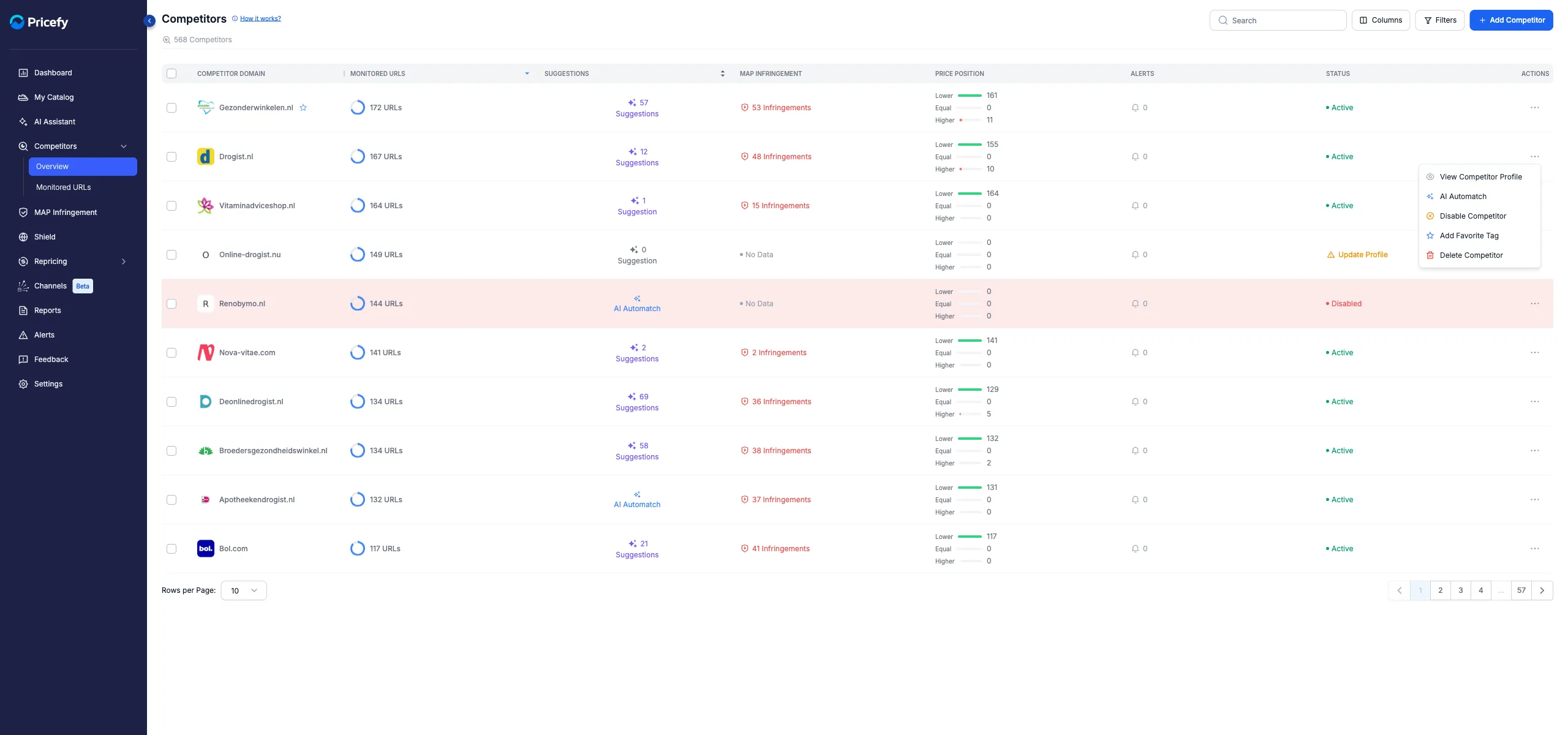
- Open the competitor’s Actions menu (the ⋯ icon).
- Click View Competitor Profile.
The entry sits in each competitor’s Actions menu:
You can also reach the profile from other places:
- Competitors → Monitored URLs — the same View Competitor Profile entry sits in each row’s Actions menu.
- MAP Infringement — clicking a competitor’s domain in the MAP grids opens the profile’s Contact Info tab in a new browser tab.
Save your changes
The page header shows the competitor’s name and a Save Changes button. Three things are worth knowing:
- One save covers your edits — Save Changes stores the favicon, sitemap and Price Adjuster settings together, whichever of those tabs you are on.
- Contact Info saves itself — changes to the recipients list in the Contact Info tab are stored immediately, no Save needed.
- There is no unsaved-changes warning — leaving the page discards pending edits silently, so save before you go.
Users without edit permission can open every tab, but the Save Changes button is hidden for them.
General Options: favicon, sitemap and detected tech
The default tab collects the competitor’s identity and crawling basics:
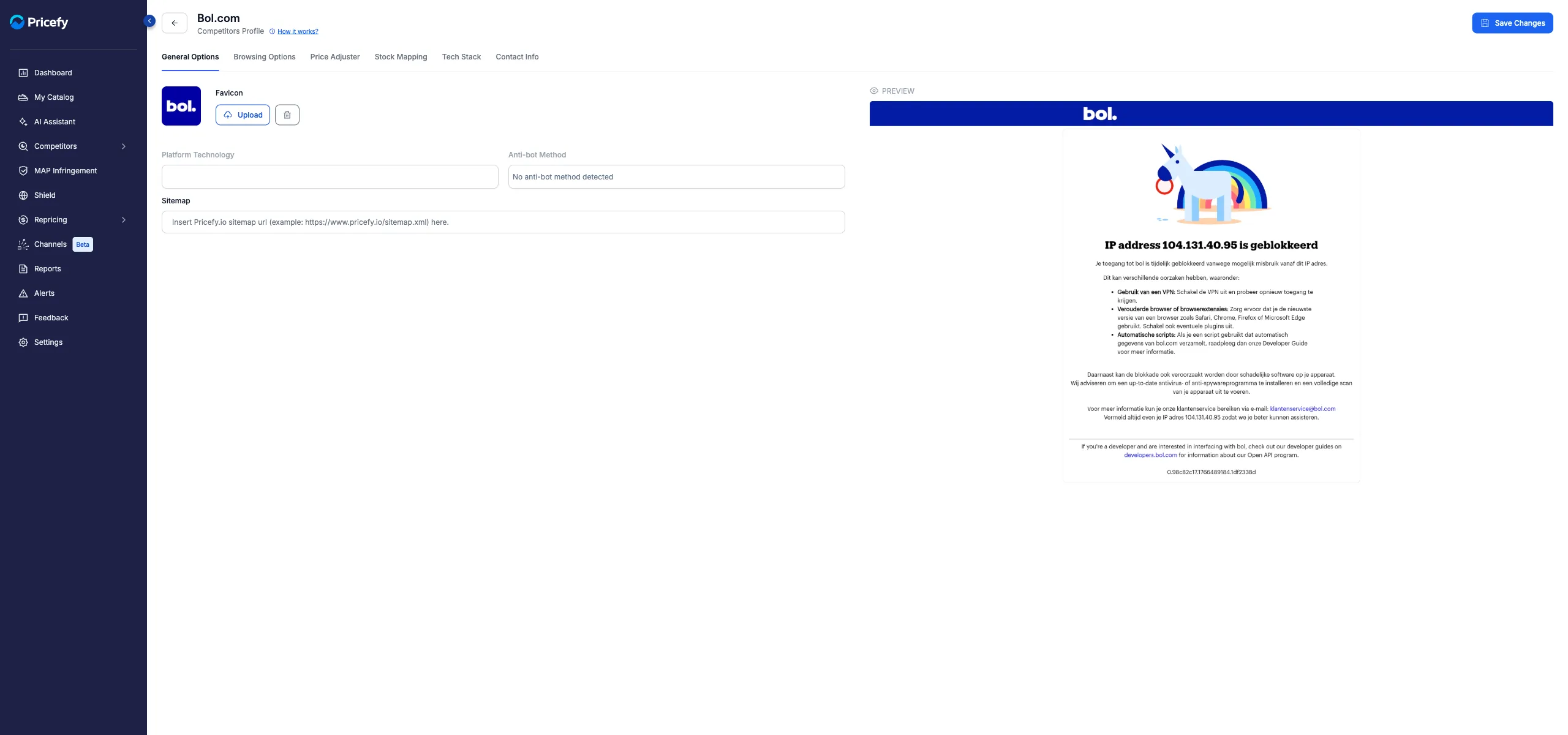
- Favicon — the logo shown next to the competitor across Pricefy. Click Upload to replace it (PNG, JPG, JPEG or SVG, up to 2 MB) or the bin icon to remove it. A freshly uploaded favicon reads Pending Approval until Pricefy’s team approves it.
- Platform Technology — the e-commerce platform Pricefy detected on the site, or “Not available” (read-only).
- Anti-bot Method — the bot protection Pricefy detected, or “No anti-bot method detected” (read-only).
- Sitemap — the URL of the competitor’s sitemap (for example
https://www.shop.com/sitemap.xml). Fill it in to tell Pricefy exactly where the sitemap lives; the × icon clears the field in one click. - Preview — a screenshot of the competitor’s site, when one is available; otherwise it reads “Screenshot is not available”.
Browsing Options
This tab shows how Pricefy browses the competitor’s site — for example a cookie or URL parameter that keeps prices in the right currency or region. The entries are configured and managed by Pricefy’s team, so the tab is read-only:
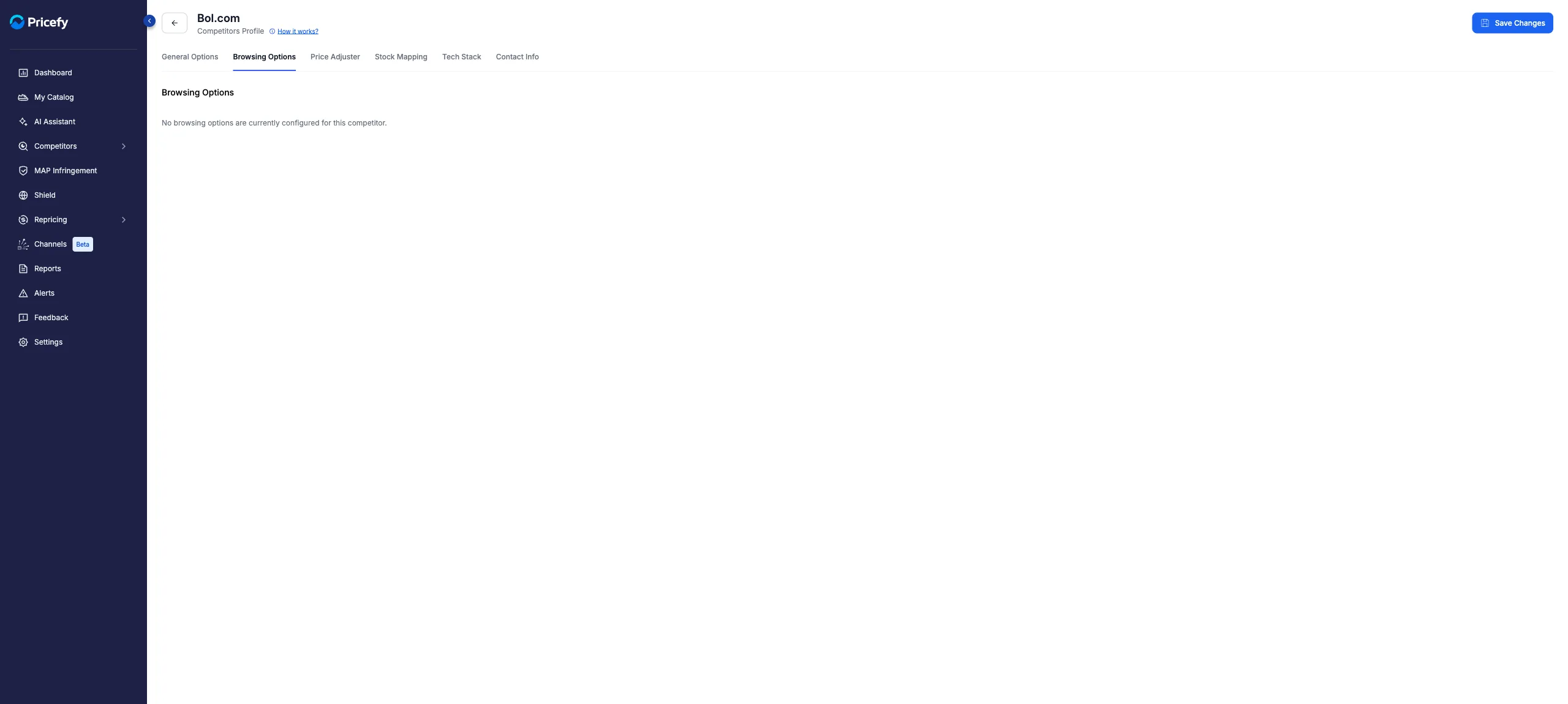
When entries exist, each row lists its Method (Query String, Local Storage or Cookie), a short Description and the technical Rule Pricefy applies while browsing.
Price Adjuster
The Price Adjuster corrects this competitor’s imported prices before comparison — for example to add VAT or remove a fixed fee. Turn the switch to Enabled to activate the controls:
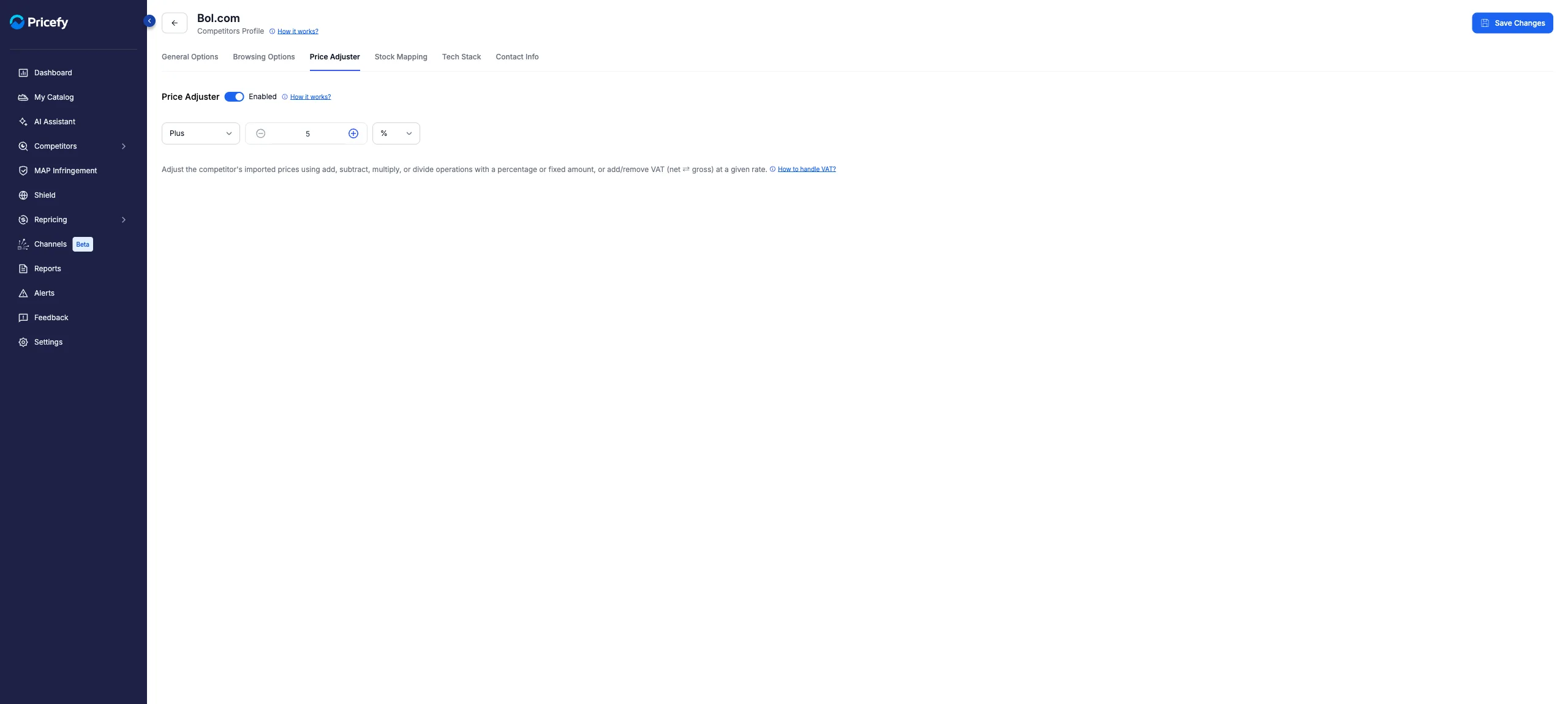
- Operation — Subtract VAT, Add VAT, Plus, Minus, Divided or Multiplied.
- Value — the number to apply, with up to two decimals.
- Unit — a percentage (%) or a fixed amount in your currency. The VAT operations always work as a percentage.
Press Save Changes to apply it to the whole competitor. If you only need to adjust a single product page, set a URL-specific adjustment while editing that monitored URL instead. For the full walkthrough see how to use the Price Adjustment feature, and for VAT specifics see how to add or extract VAT on competitor prices.
Stock Mapping
Stock Mapping translates the competitor’s own stock wording (for example “Op voorraad”) into Pricefy’s In Stock / Out of Stock statuses, so stock data stays reliable across the app.
Like Browsing Options, the rules are managed by Pricefy’s team and shown read-only. Each configured rule lists the Stock Attribute Value found on the site, the status it maps to, and an icon showing whether the rule is Active, Pending Approval or Declined. Until rules are configured, the tab reads “No stock mapping rules are currently configured for this competitor”.
Tech Stack
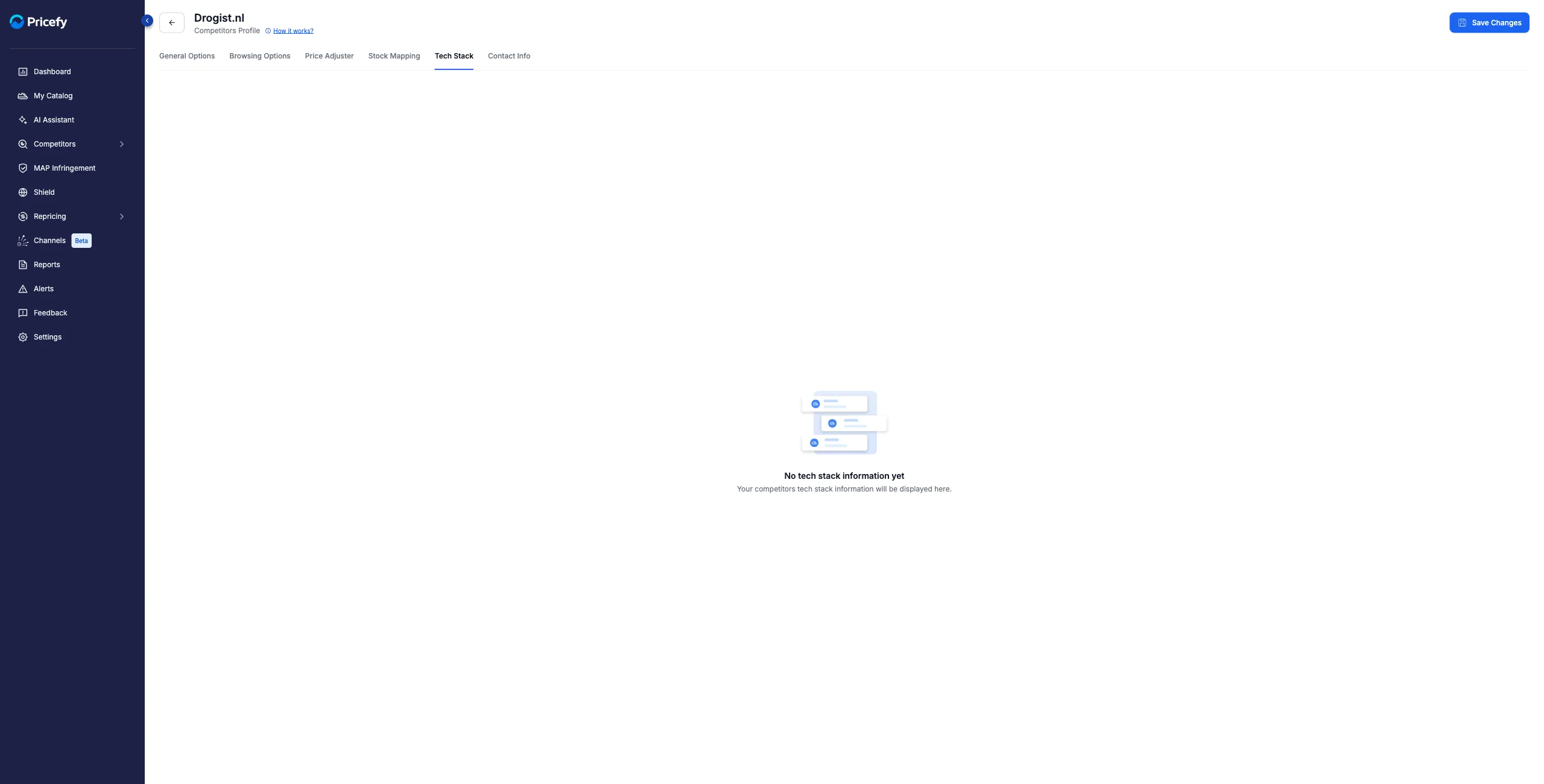
The Tech Stack tab is a read-only report of the technologies Pricefy detected on the competitor’s site. Once the site has been analyzed, it shows:
- The technology count and when the report was last updated.
- A Summary with the site’s key platforms (such as the CMS).
- A Technologies by Category breakdown, with version numbers where detected.
Until Pricefy has analyzed the site, the tab shows an empty state instead:
Contact Info
The Contact Info tab holds AI-discovered contact details for the competitor — emails with names and roles, phone numbers, addresses and social profiles — plus My Infringements Email Addresses List, the recipients of MAP Infringement notices. Click any value to copy it (the contacts shown here are fictitious examples):
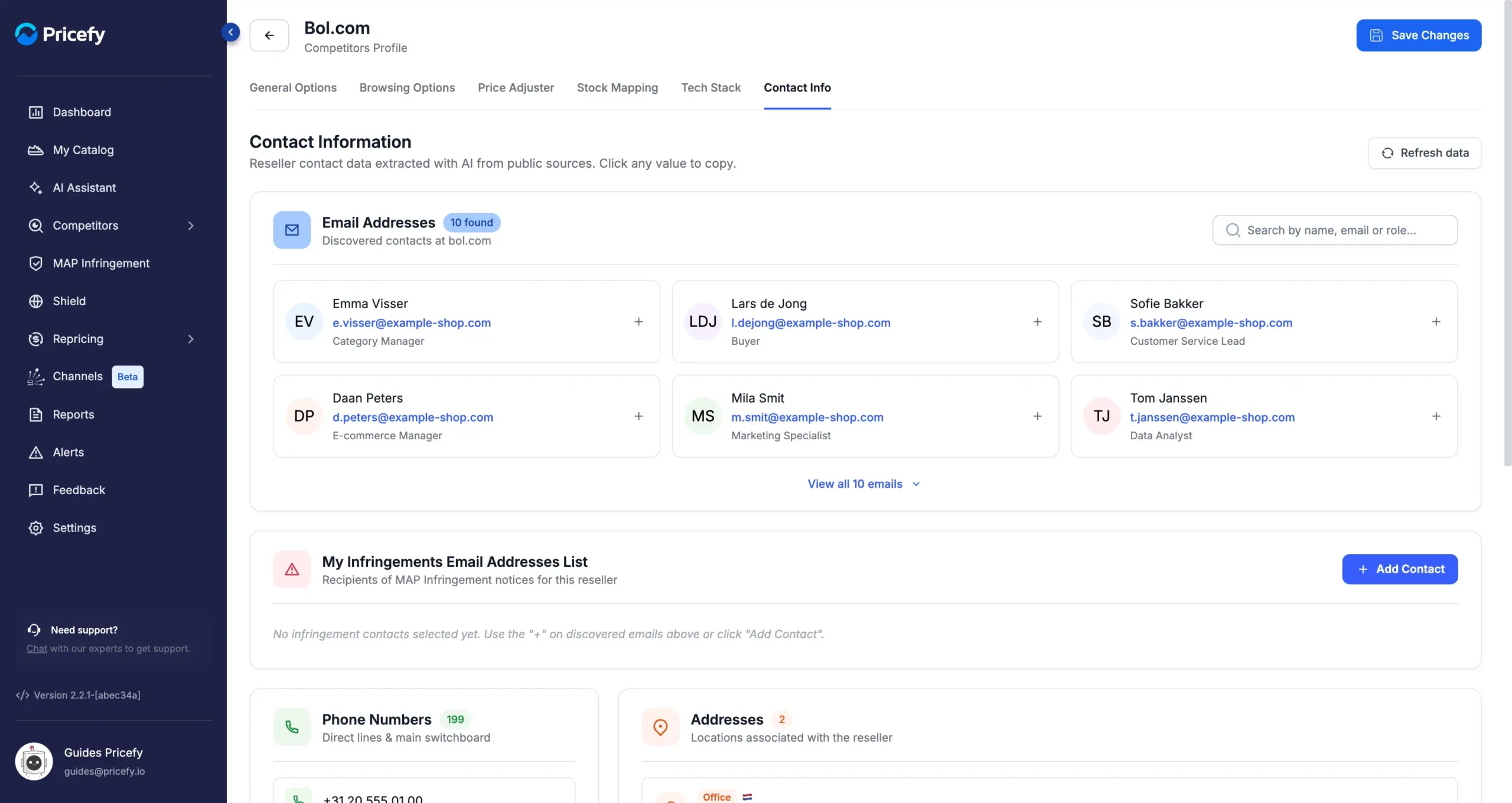
- Click the + on a discovered email — or Add Contact for a manual entry — to build the recipients list; it saves immediately.
- AI-discovered contacts require the Business plan — on lower plans the values stay masked until you upgrade.
For the full walkthrough see how to find a competitor’s contact information, and for the notices themselves see how the MAP Infringement Monitoring works.
Good to know
- Every tab has its own web address (the
?section=part of the URL), so you can bookmark a specific tab or share a direct link to it. - A brand-new competitor that Pricefy hasn’t analyzed yet shows Profile Now in the same Actions menu — run it to populate the profile (see Competitors Overview: manage your competitors).
- To analyze the competitor’s catalog from its sitemap, run a Live Scraping analysis (see how AI Automatch works).