In Pricefy, Excluded competitors are competitor suggestions you previously dismissed — for example suggestions from Competitors Discovery or your pending list that you chose to exclude. You can bring one back in a couple of clicks.
(This is different from deleting an active competitor, which uses the Delete Competitor action and removes it along with its monitored URLs.)
Find your excluded competitors
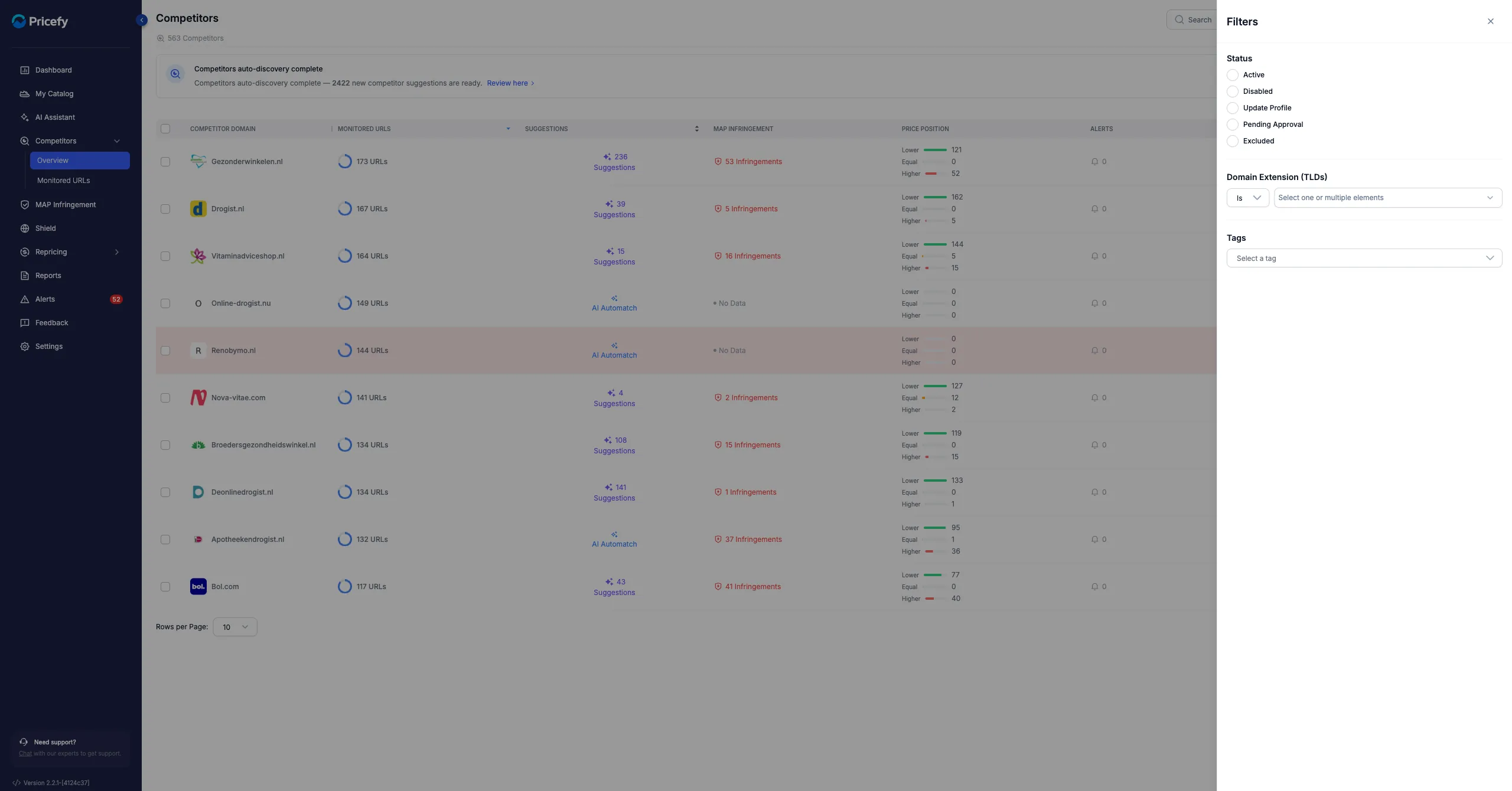
- Go to Competitors → Overview and click Filters.
- Under Status, tick Excluded, then click Apply Filter.
Restore an excluded competitor
- Open the competitor’s Actions menu (the ⋯ icon).
- Click Remove From Exclusion.
The competitor returns to your list, where you can review it again and approve it to start monitoring.
Want Pricefy to find new competitors for you? See how to find competitors with AI Discovery. To add one manually, see how to add a new competitor.