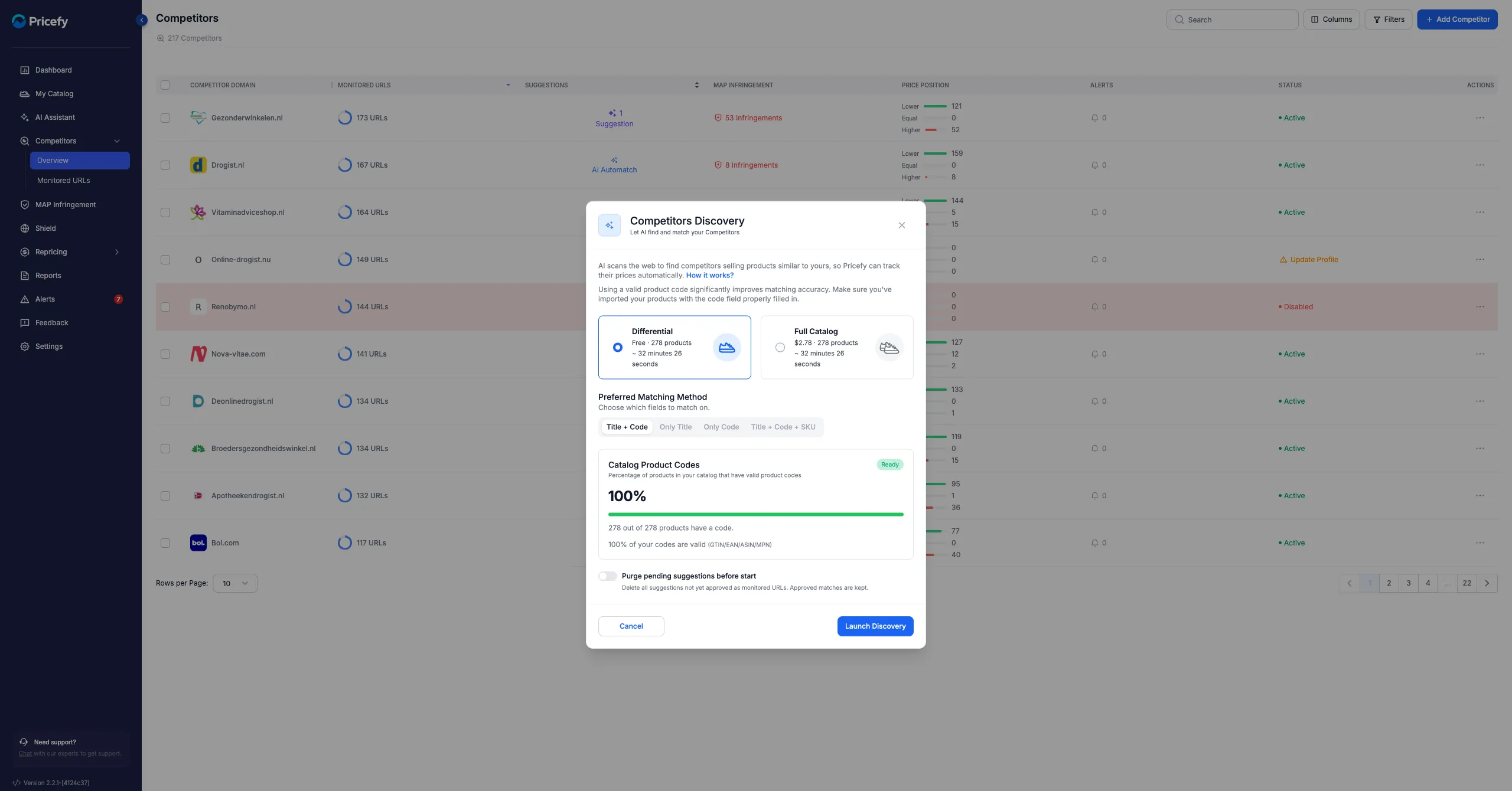
If you’ve already corrected or confirmed product matches inside Pricefy, you might be wondering:
“If I rerun Competitor Discovery, will it overwrite the work I’ve already done?”
The short answer is: No. Your confirmed matches are safe.
Let’s explain exactly how it works.
How Competitor Discovery Works
Pricefy’s Competitor Discovery feature scans competitor websites and suggests potential product matches for your catalog. It’s designed to:
- Automatically identify matching competitor products
- Suggest new URLs to monitor
- Speed up the setup of your price monitoring
However, automation in Pricefy never overrides manual control.
What Happens to Manually Corrected Matches?
If you have:
- Corrected a mismatched product
- Confirmed a suggested match
- Manually added a competitor product
Pricefy will not automatically overwrite those confirmed mappings when you rerun Competitor Discovery.
Instead, the system will:
- Keep your confirmed matches intact
- Propose additional suggestions (if new ones are found)
- Avoid deleting or replacing manually adjusted matches
This ensures you can safely rerun discovery without losing any prior optimization work.
When Should You Rerun Competitor Discovery?
It’s actually recommended to rerun it in certain situations, such as:
- When competitors update their catalogs
- When you’ve added new products to Pricefy
- When you suspect new competitor URLs are available
- When you want to improve coverage and discover missed matches
Think of it as an enhancement pass — not a reset.
Best Practice
After rerunning Competitor Discovery:
- Review the newly suggested matches
- Confirm or reject them
- Keep refining only where necessary
Your previous corrections will remain untouched.
Final Takeaway
Running Competitor Discovery again does not erase your manual corrections. It simply gives you additional opportunities to improve competitor coverage.
You stay in full control of your matches at all times.