After AI Discovery or an auto-match, your Competitors page can fill up with lots of Pending Approval suggestions. A long backlog makes the listing page slower to load and harder to scan — so keep it lean by reviewing those suggestions and clearing the ones you don’t need.
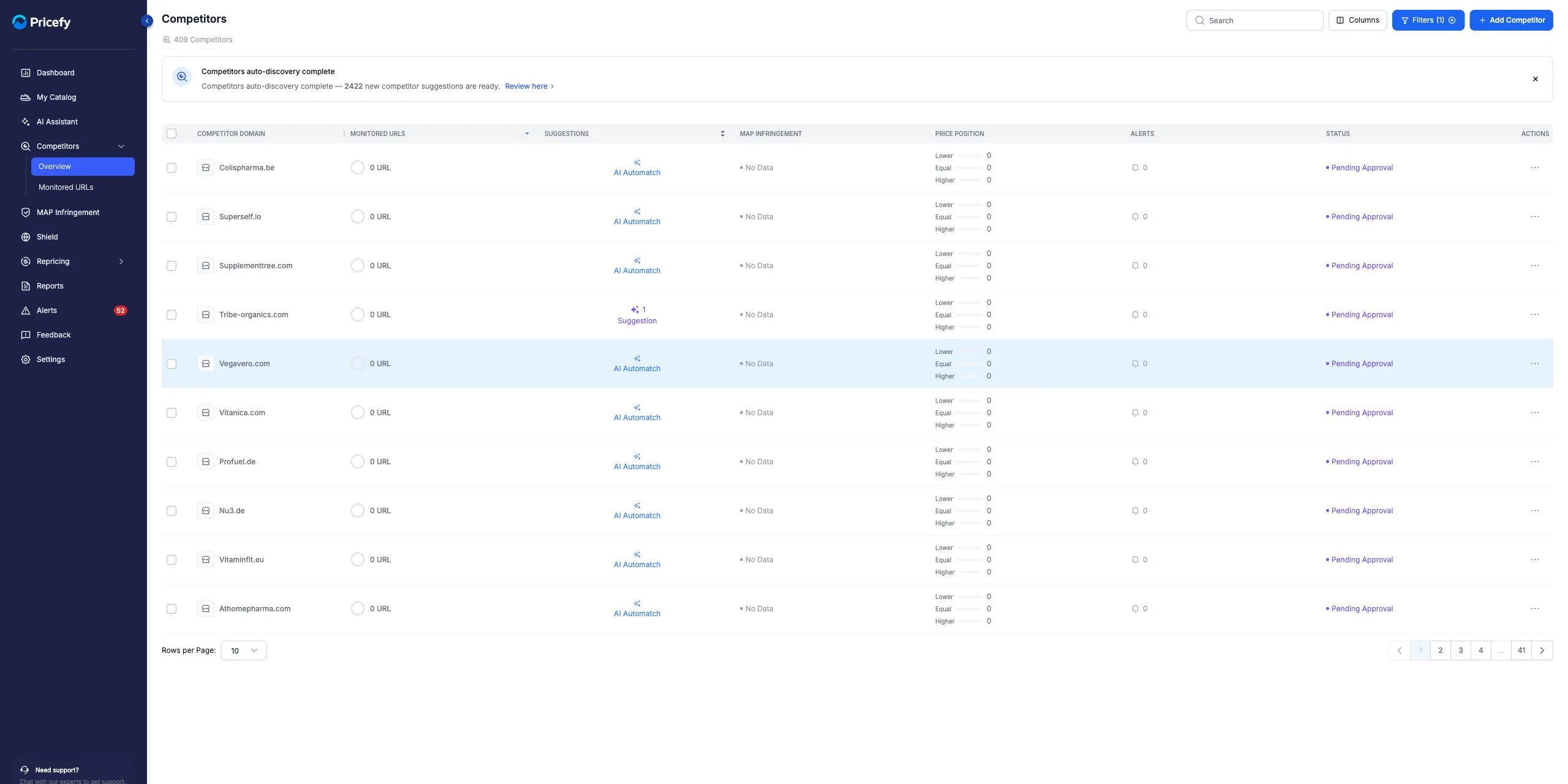
Show only your Pending Approval competitors
- Go to Competitors → Overview and click Filters.
- Under Status, pick Pending Approval, then click Apply Filter.
Approve or delete each one
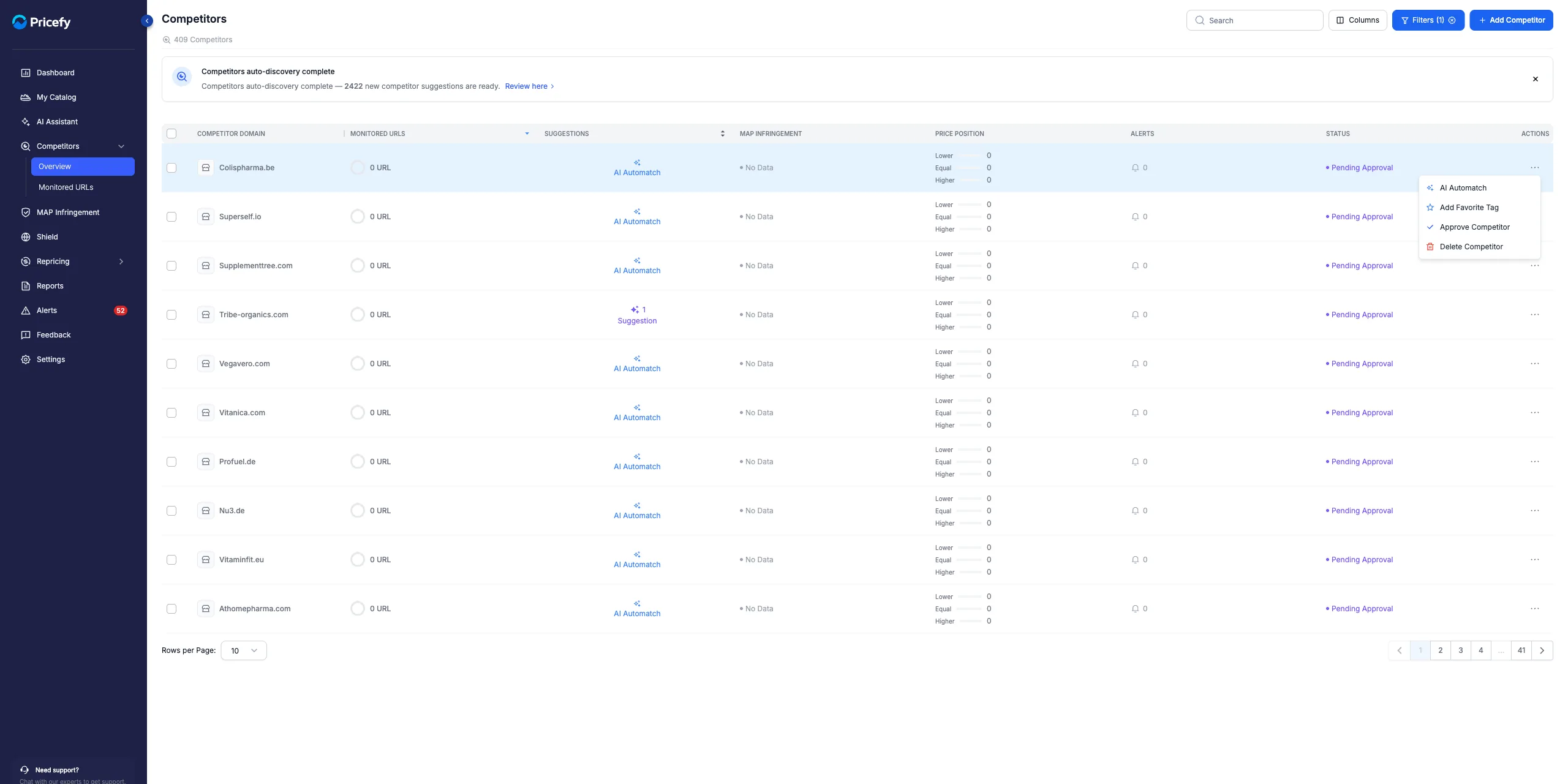
Open a competitor’s Actions menu (the ⋯ icon) and choose:
- Approve Competitor — keep it and start tracking its prices.
- Delete Competitor — remove the suggestion from your list.
Clear several at once
To handle many at a time, tick the competitors (or Select all) and use the bulk bar to Delete the ones you don’t want (or Enable / Disable them).
Reviewing your Pending Approval list regularly keeps the Competitors page fast and focused. Most of these suggestions come from AI Discovery — and you can always add a competitor manually.