Communication Preferences controls which emails and notifications Pricefy sends you.
Open Communication Preferences
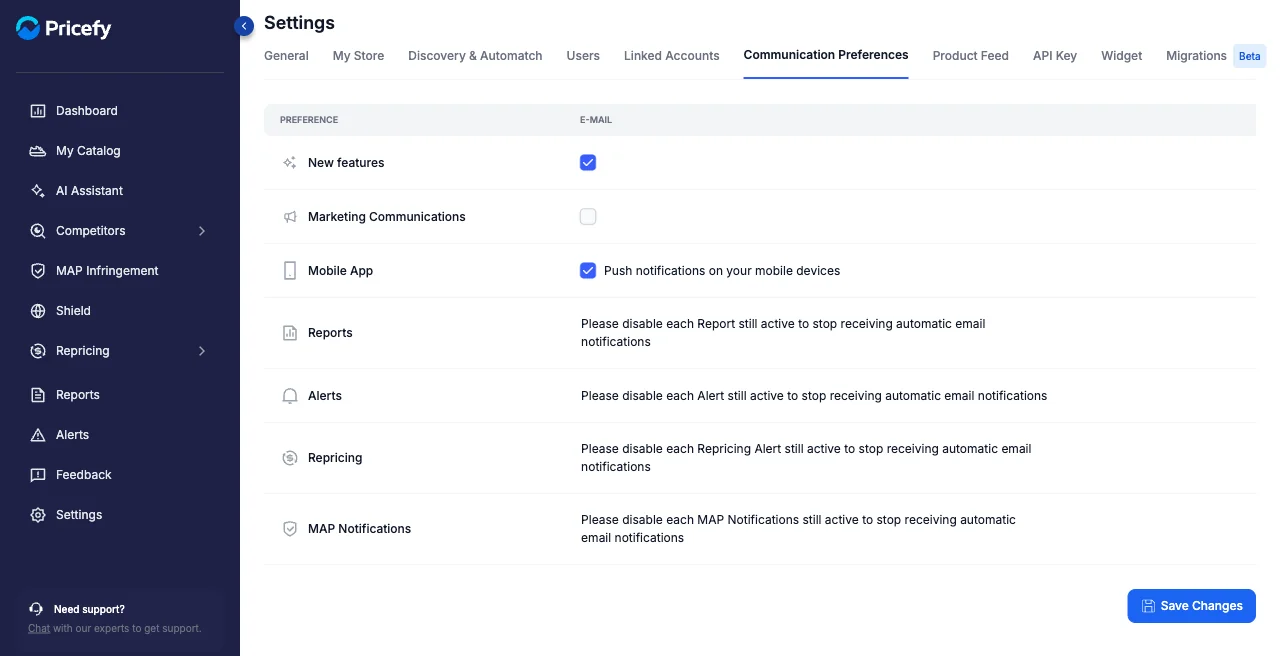
Click Settings in the sidebar, then the Communication Preferences tab.
Choose what you receive
Tick or untick each preference:
- New features — product updates by email.
- Marketing Communications — tips and offers.
- Mobile App — push notifications on your mobile devices.
Click Save Changes to apply.
Emails from your rules
Automated emails for Reports, Alerts, Repricing, and MAP Notifications are driven by those features’ own rules. To stop them, disable the specific rule in its section — see Reports and Alert Rules.