The Widget tab configures Pricefy’s on-site price-comparison widget — the block that shows shoppers how your price compares to competitors right on your product pages.
Open Widget settings
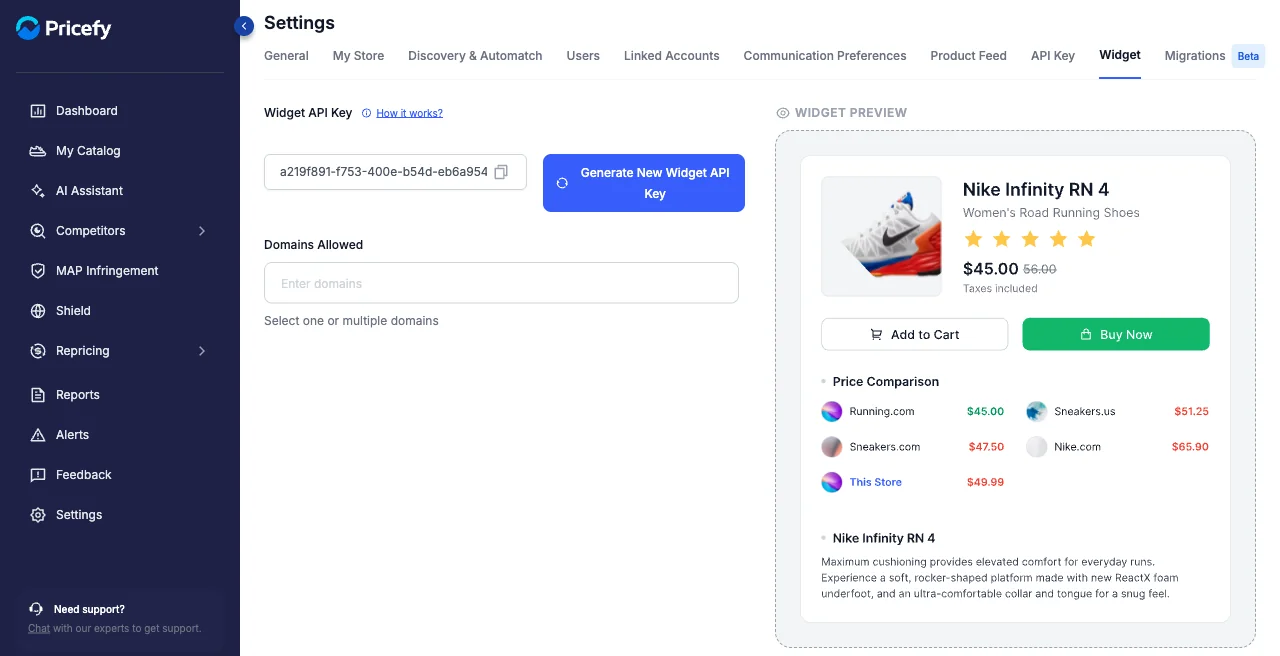
Click Settings in the sidebar, then the Widget tab.
Widget API Key
Copy your Widget API Key to install the widget, or click Generate New Widget API Key to roll it.
Domains Allowed
Add the domains where the widget is allowed to run.
Preview
The Widget Preview on the right shows how the comparison block will look on a product page. To put the widget on your store, see Competitors Price Widget – How to.