The My Store tab holds your store’s identity in Pricefy — its logo, favicon, name, and public URL.
Open My Store settings
Click Settings in the sidebar, then the My Store tab.
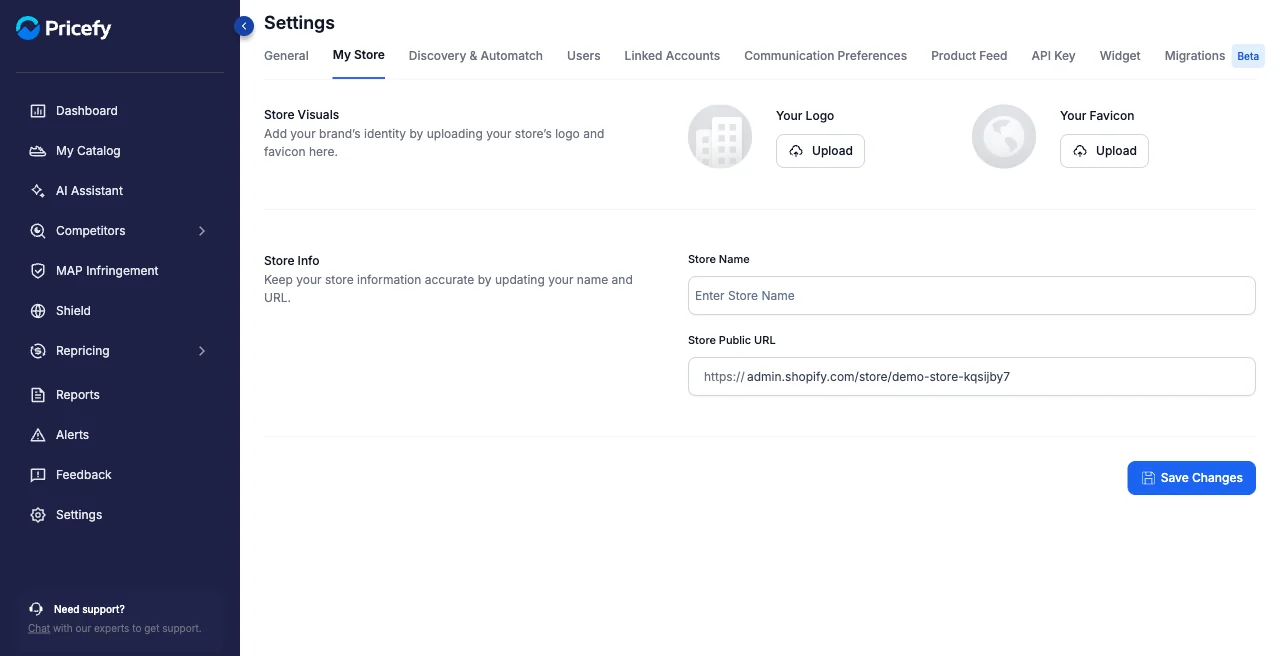
Store visuals
- Your Logo — upload your store’s logo.
- Your Favicon — upload the small icon shown in browser tabs.
Store info
- Store Name — how your store is named in Pricefy.
- Store Public URL — your storefront address.
Click Save Changes to apply.