The Users tab in Settings is where you invite teammates to your Pricefy account and control exactly what each of them can see and do.
Open Users settings
Click Settings in the sidebar, then the Users tab.
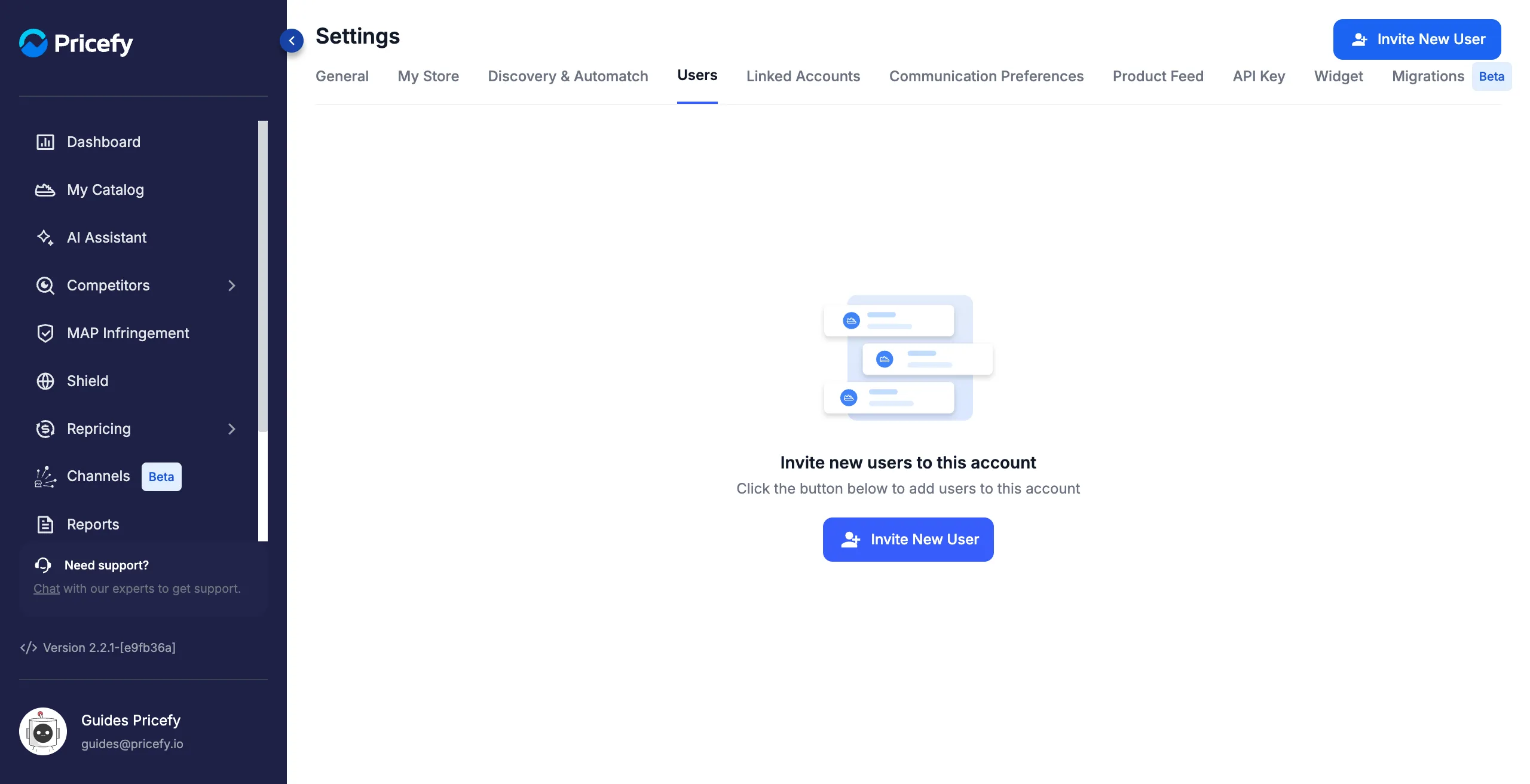
Invite a user
Click Invite New User, then enter the person’s name, last name, and email. The User Permissions table sits right below those fields.
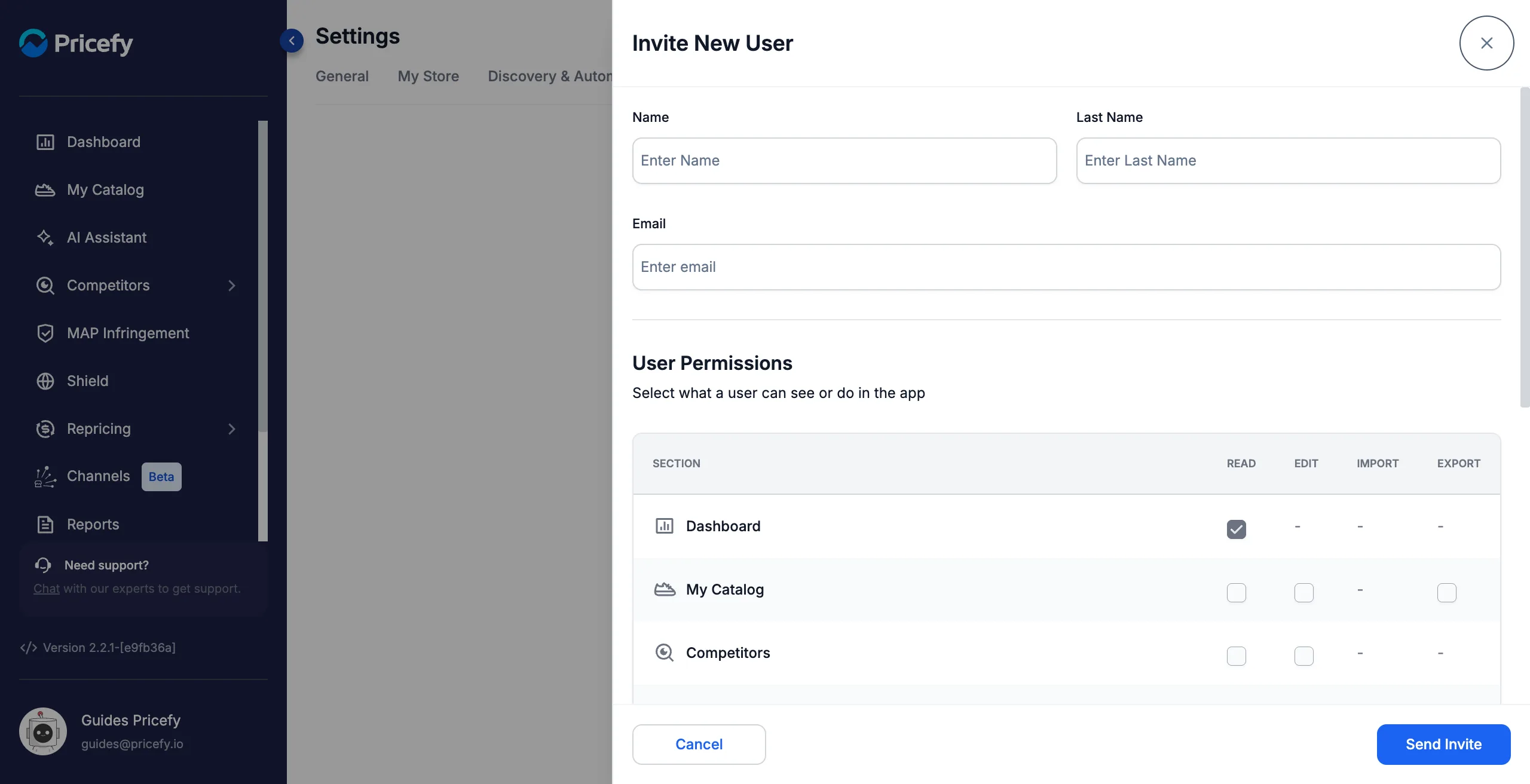
Set their permissions
Under User Permissions, choose what the user can do, section by section. Every row is a section of Pricefy, and every column is a type of access:
- Read — open the section and look at it. A section the user can’t read never appears in their sidebar.
- Edit — create and change things in that section.
- Import — bring data into it.
- Export — download its data out of Pricefy.
A dash means that type of access doesn’t apply to that section. Here is what each section offers:
| Section | Read | Edit | Import | Export |
|---|---|---|---|---|
| Dashboard | ✓ | — | — | — |
| My Catalog | ✓ | ✓ | — | ✓ |
| Competitors | ✓ | ✓ | — | — |
| Monitored Urls | ✓ | ✓ | ✓ | ✓ |
| Shield | ✓ | — | — | — |
| Repricing | ✓ | ✓ | — | — |
| Reports | ✓ | ✓ | — | — |
| Alerts | ✓ | ✓ | — | — |
| MAP Infringement | ✓ | ✓ | — | ✓ |
| AI Assistant | ✓ | — | — | — |
| Channel Manager | ✓ | ✓ | — | — |
| Settings | ✓ | ✓ | — | — |
Scroll to the end of the list to reach the most recent section, Settings.
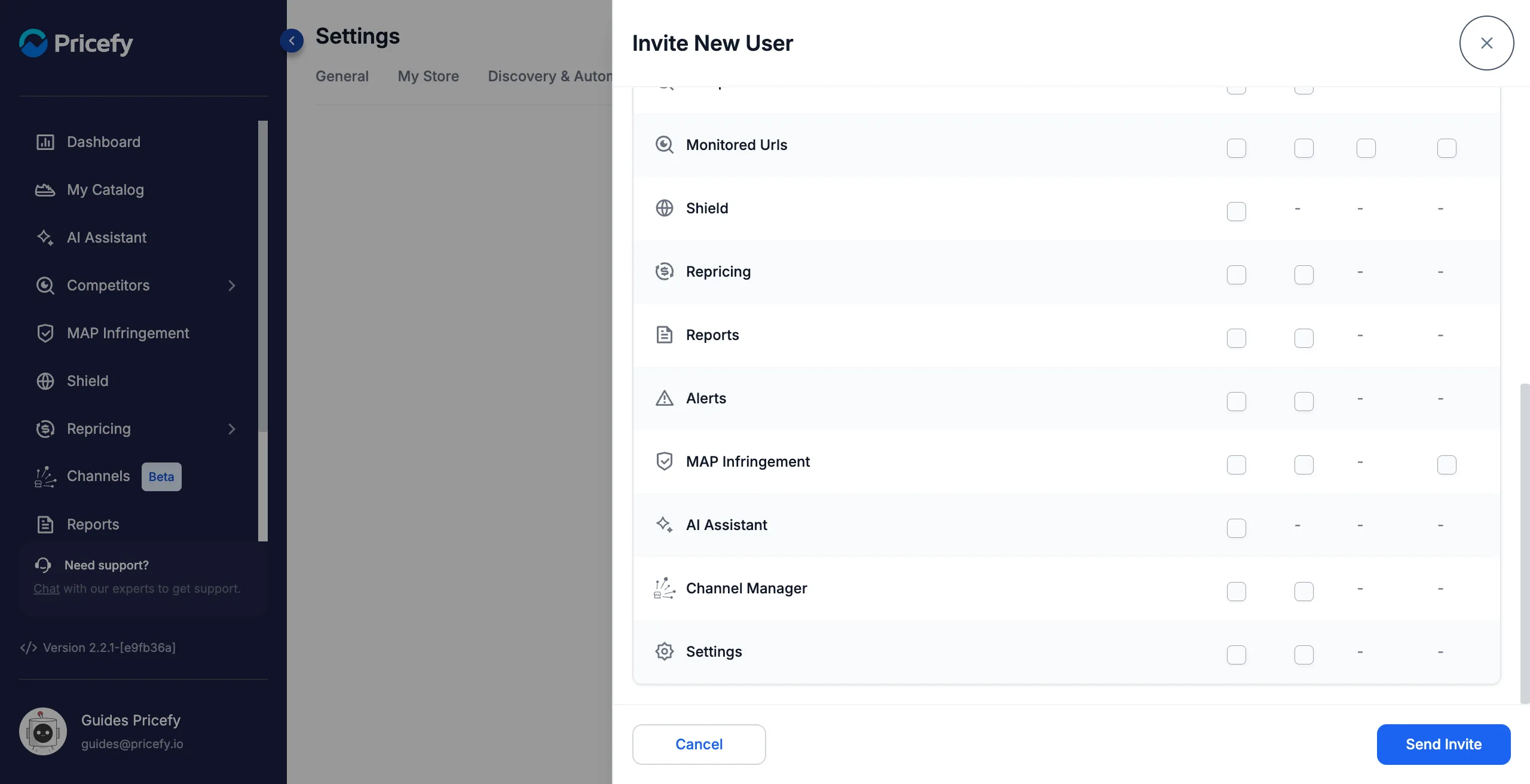
Two rows behave differently from the rest:
- Dashboard always keeps Read on, and it can’t be turned off — every user can open the Dashboard.
- Competitors and Monitored Urls share the same Read and Edit: tick one and the other follows, because they are the same part of Pricefy. Import and Export stay specific to Monitored Urls.
When you’re done, click Send Invite. Pricefy emails the new user their login details, and they appear in your Users list right away.
What the Settings permission covers
The Settings row decides whether a user can reach your account settings at all:
- Read — they can open General, My Store and Widget, and see Billing as a read-only page.
- Edit — they can also save changes to those tabs. With Read alone they can look, but not change anything.
Some tabs stay reserved to the master account, even for a user with Settings Edit: Users, Linked Accounts, API Key, Communication Preferences, Product Feed and Migrations. Only you, the account owner, can invite people or connect a store.
Discovery & Automatch is the exception: it lives under Settings, but it follows the Competitors Read permission instead, so a competitor-focused user can open it without any Settings access.
Good to know
- How many team members you can add depends on your plan.
- From each user’s row you can later Edit their details and permissions, Resend the invitation, Suspend or Restore their access, or Delete them.
- Changing someone’s permissions doesn’t require a new invitation — edit their row and save.