The Notifications tab in My Account is your in-app inbox — Pricefy posts account and activity notifications here.
Open Notifications
Open My Account from your avatar at the bottom of the sidebar, then the Notifications tab.
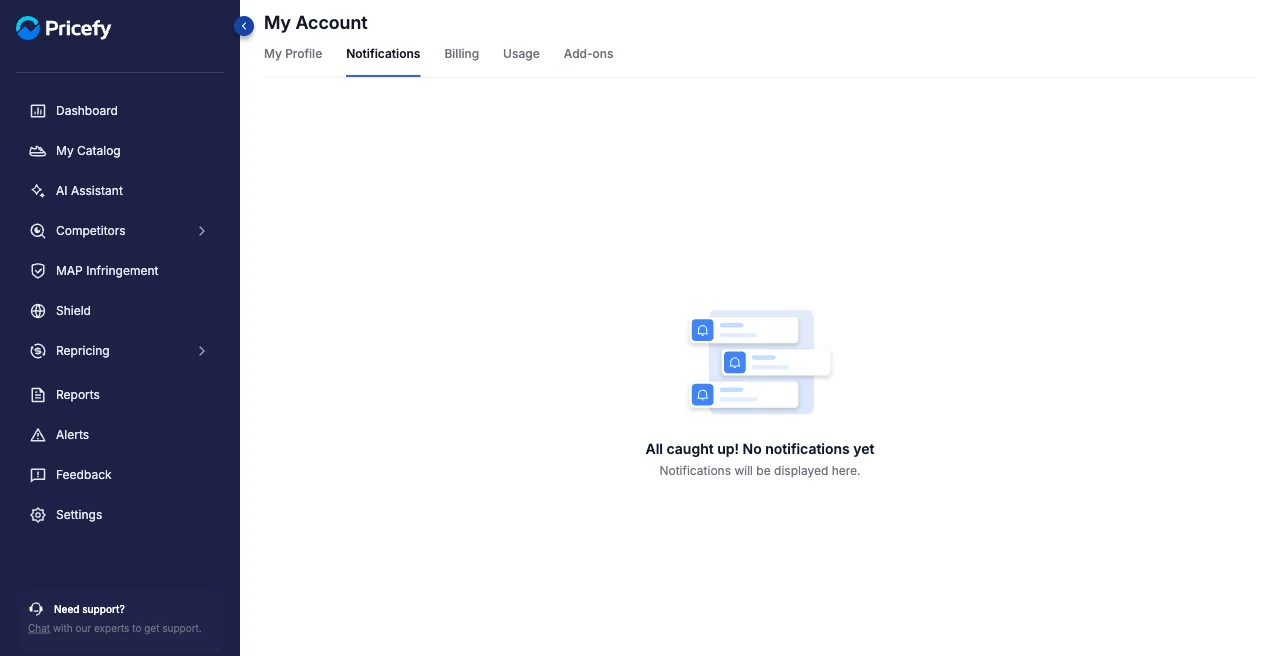
What you’ll see
When there’s nothing new, you’ll see All caught up! No notifications yet. As notifications arrive, they appear here, newest first — each with a severity colour, a timestamp, and a Review here link to what it’s about.
Filter and clear your inbox
- Filter by severity — use the dropdown to show All Severities, High, Medium, Low, or Info.
- Mark all as read — clears your unread notifications; Pricefy asks you to confirm first.
A notification’s severity colour tells you how urgent it is at a glance: High (red), Medium (yellow), Low (green) and Info (blue).
Good to know
To control which notifications also reach you by email, use Communication Preferences in Settings.