My Profile is where you manage your personal details in Pricefy — your name and contact info, your login email and password, and your billing address.
Open My Account
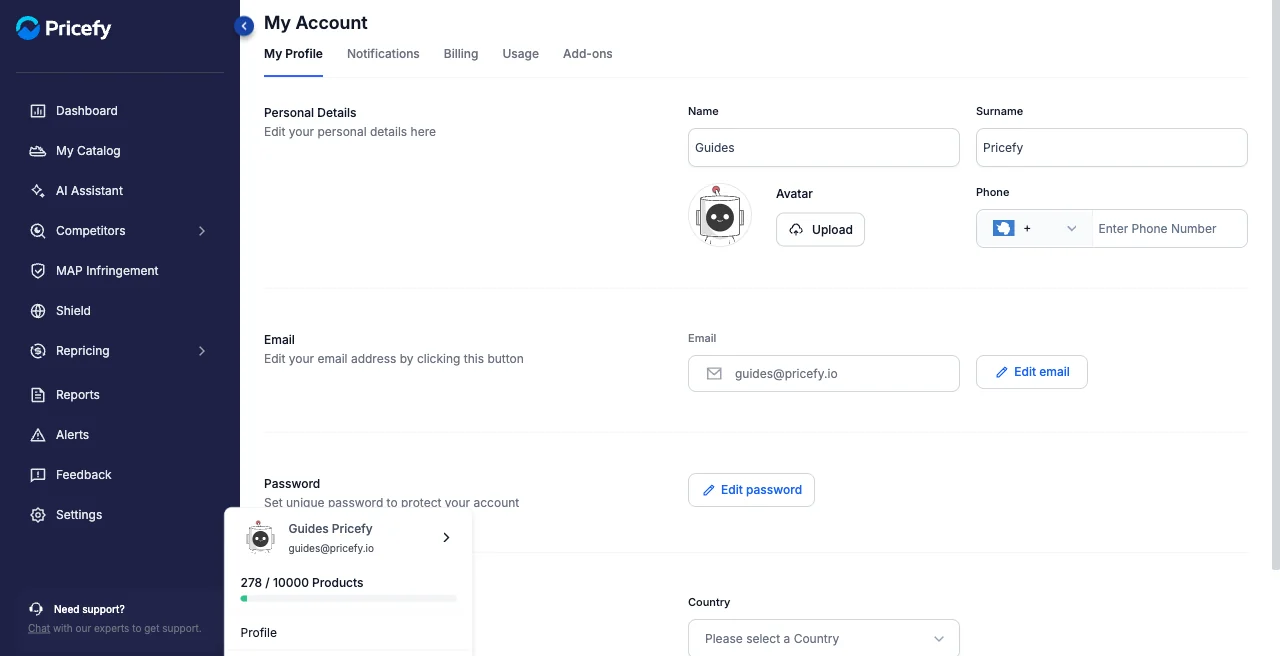
Click your avatar at the bottom of the sidebar, then Profile. My Account opens on the My Profile tab, alongside Notifications, Billing, Usage and Add-ons.
Personal details
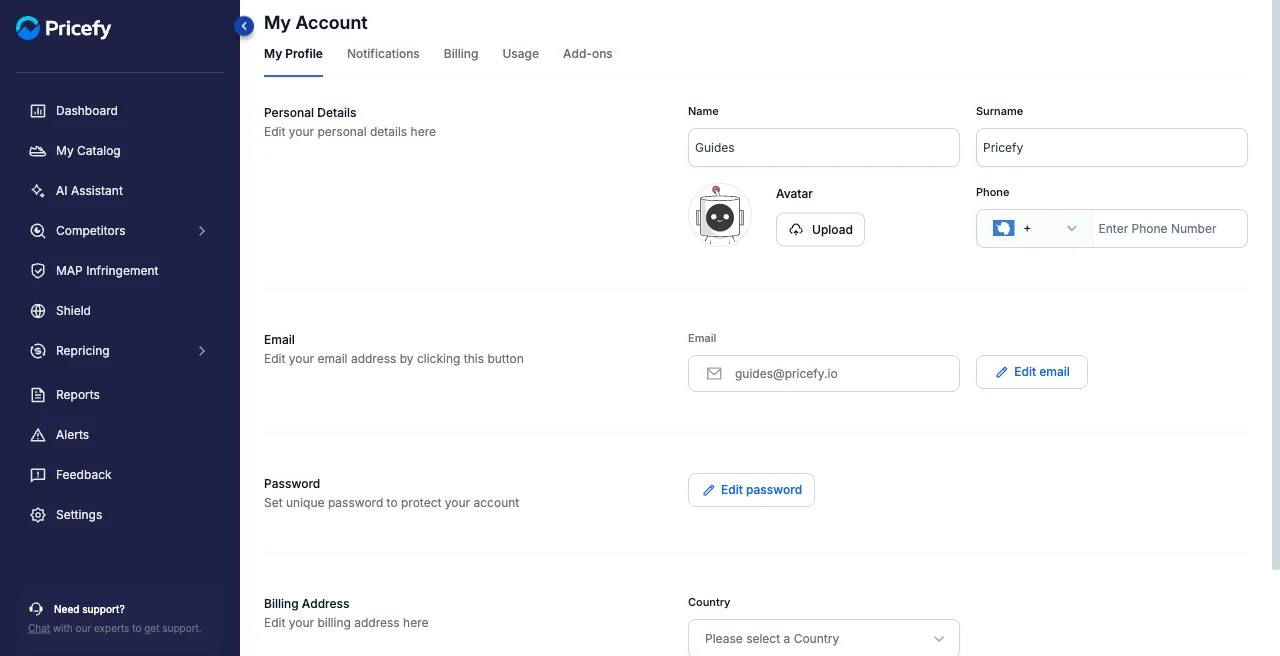
- Name and Surname.
- Avatar — upload a profile picture.
- Phone — with its country prefix.
Email and password
Your login email and password each have their own button:
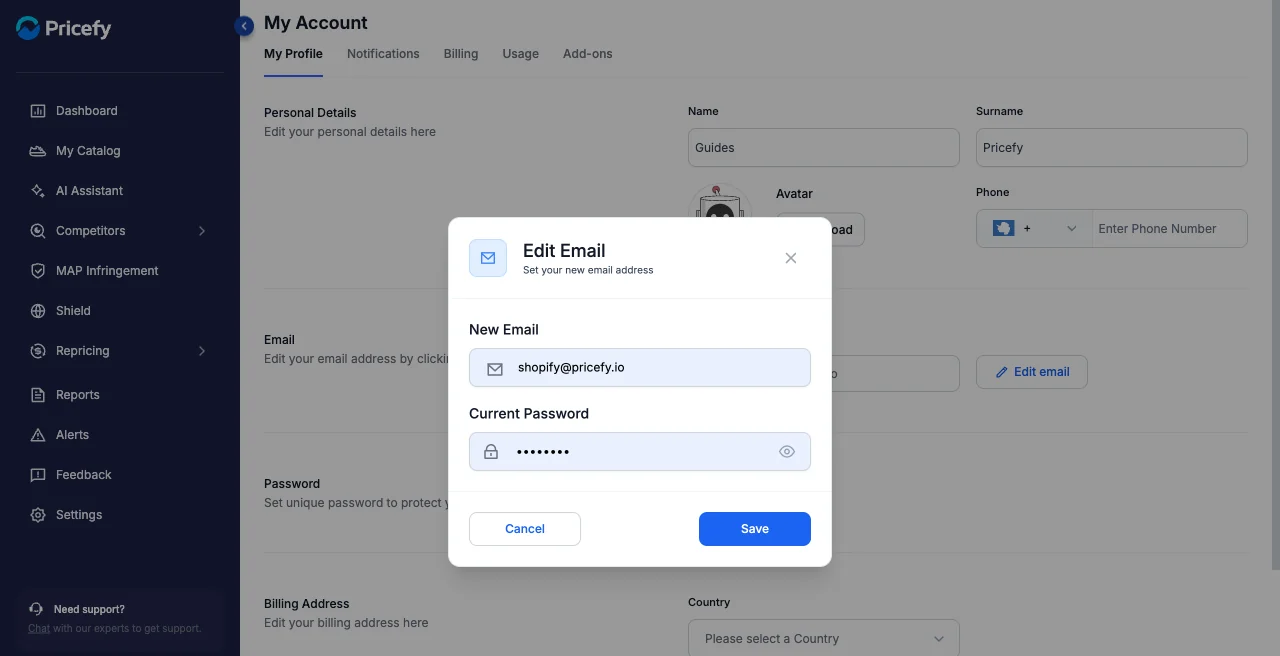
- Edit email — set a new email address; you confirm the change with your current password.
- Edit password — set a new, unique password to protect your account.
Billing address
Add your Company Name, Tax Vat (your VAT or tax number), Country, State/Province, City, Street Address and Zip code — these appear on your invoices. For the full walkthrough, see How to update your billing information.